 Business website
How to give a small business a website that works: what it costs, what to put on it, and what to link from Google, Instagram and a QR code.
Business website Business website
Google Business Profile Website: What to Use (2026)
Google's free business.site websites shut down in 2024. What to put in your profile's Website field now, what Google's rules allow, and how to change it.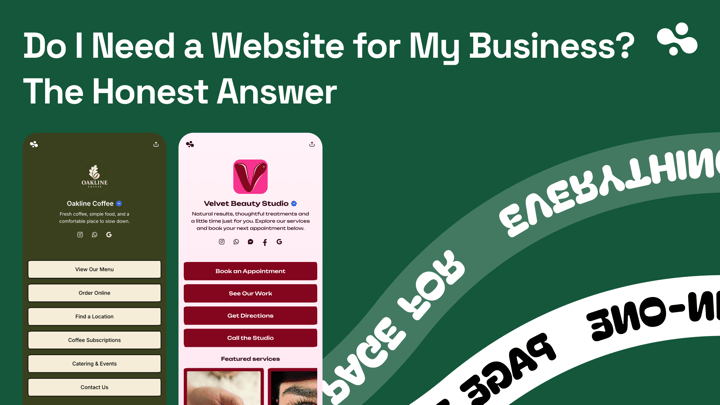 Business website
Do I Need a Website for My Business? The Honest Answer
Usually yes, but it can be one page. What changes with how customers find you (Maps, Instagram, referrals, Booksy), what the minimum is, and what it costs.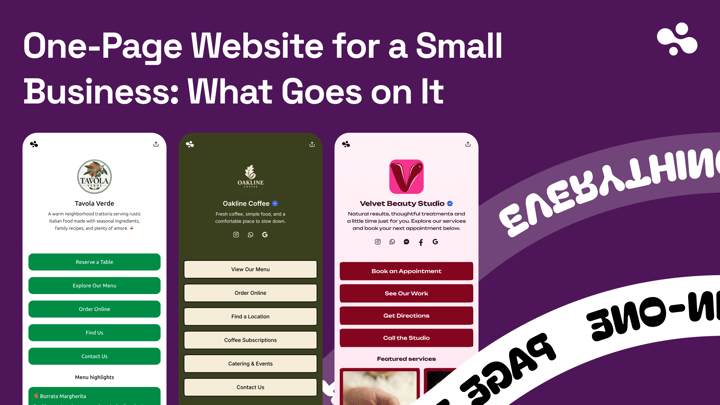 Business website
One-Page Website for a Small Business: What Goes on It
What goes on a one-page business website, in the order customers act, when one page is enough, and where to build one, with October 2026 prices. Business website
Google Sites for Business: Is the Free Website Enough?
Google Sites costs nothing and works on phones, but has no booking, payments or form builder. What it does well, a 10-step setup, and what else to use. Business website
Do I Need a Domain Name for My Business?
No, not to start. When a business domain is worth buying, what a .com costs to renew once the free first year ends, and what happens if it lapses.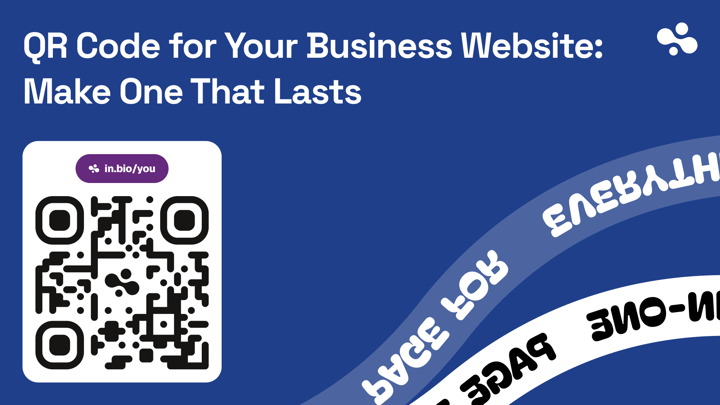 Business website
QR Code for Your Business Website: Make One That Lasts
How to make a QR code for your business website: point it at a page you can update, use a static code, print it big enough with a clear border, and test it.About Business website
A small business website can be one page: what you do, where you are, how to call or book, what it costs, and photos of your work. It's the page customers land on from Google Maps, your Instagram bio or a QR code on the counter, so it has to work on a phone first. Most local businesses can build one in an afternoon, and add pages only when each service needs to rank, a catalog needs selling or articles need publishing.
Decide whether you need one, and how big
Do I need a website for my business? answers by how customers find you: Maps, Instagram, referrals or a marketplace like Booksy. If the answer is yes, what goes on a one-page website lists the sections in the order customers act, and says when one page stops being enough.
Pick a route and a budget
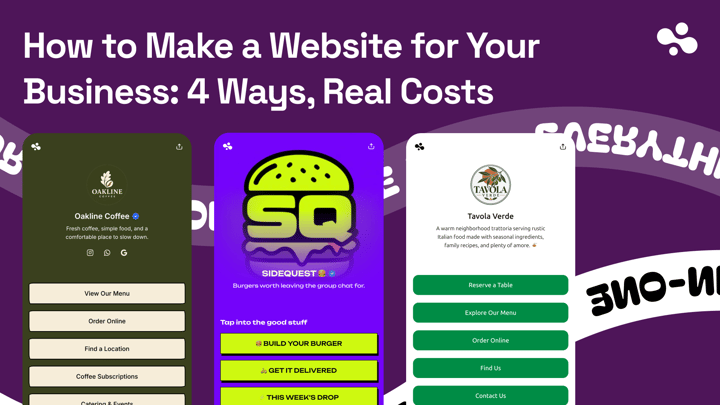
How to make a website for your business compares four routes, from a one-page site to a designer, with first-year and renewal costs, setup time and a pick by business type. If spending nothing matters most, Google Sites for business shows what Google's free builder does well, a 10-step setup, and where it stops: no booking, no payments, and forms only as an embedded Google Form.
The address
You don't need a domain name to start. Do I need a domain name? explains when one is worth buying (email at your own address, a name to paint on the van, an address you can take from one tool to the next) and what a .com really costs once the free first year ends.
Link it where customers look
Google turned off its free business.site websites in 2024, so the Website field on your Business Profile needs a page you control. What to use as your Google Business Profile website covers what Google's rules allow and how to change the link. For print, the business QR code guide shows how to make a static code that points at a page you can update, print it big enough, and test it before the whole batch.
Start with the one job the page must do (calls, bookings, quotes or orders), and build only what serves it.