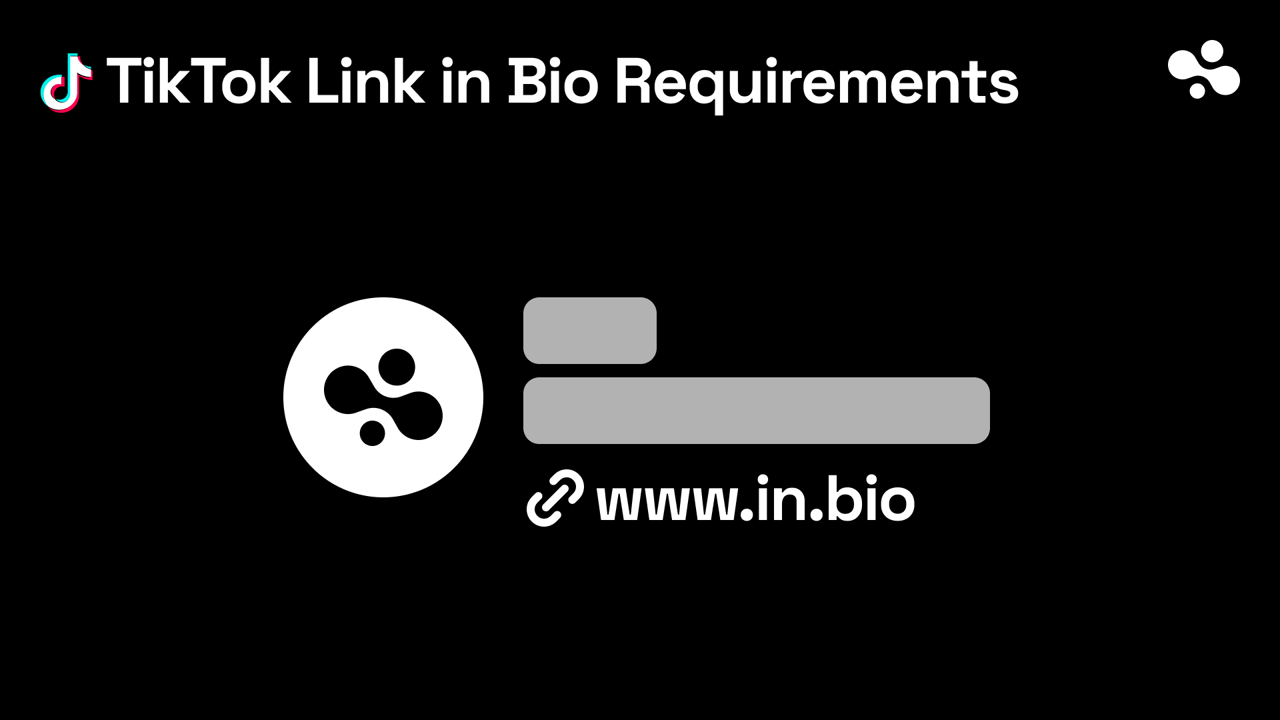
To add a link to your TikTok bio you need at least 1,000 followers or a Verified Business Account. Once you qualify, go to Profile → Edit profile → next to Links, tap Add, and follow the steps. Switching to a plain Business account does not unlock it on its own. Below the threshold you can still type a URL into your bio text, but nobody can tap it.
Checked October 2026 (last on 8 October) on TikTok's help page: "You can add a link to a website on your TikTok profile if you have at least 1,000 followers, or if you have a Verified Business Account." The same page says "TikTok no longer supports links that open or log you into other social media apps." It states no age rule.
How to add a link to your TikTok bio
- In the TikTok app, tap Profile at the bottom.
- Tap Edit profile.
- Next to Links, tap Add.
- Follow the steps to add your website, then save. Ours looks like
in.bio/yourname; any link-in-bio page works here.
What changes: the link shows on your profile under the bio, and a tap opens the page in TikTok's in-app browser. TikTok limits how far people can click through chains of links inside that browser, so a visitor may see a prompt to open the page in their phone's own browser. A page that loads fast and asks for one tap does better there than a chain of redirects.
Why can't I put a link in my TikTok bio?
Three reasons cover almost every case, all from TikTok's own help pages:
- You haven't qualified yet. The Links option only appears with at least 1,000 followers or a Verified Business Account. A plain Business account doesn't count.
- You typed the URL into the bio text. TikTok bio text is never clickable, on any account. The link has to go under Links.
- The link opens another app. TikTok "no longer supports links that open or log you into other social media apps". A link to an ordinary web page works.
The fixes for each are below.
Who qualifies: two routes to the link
Route 1: 1,000 followers. TikTok states it as a rule: at least 1,000. There's no account type to pick and nothing to apply for. When you cross it, the Links option appears in Edit profile.
Route 2: a Verified Business Account. This is TikTok's business verification, which it describes as a process "to boost authenticity of their business," and says "TikTok accounts of all types and sizes can apply." It is an application on top of a Business account, not the switch itself. A Business account that hasn't been verified still needs 1,000 followers.
Switching to a Business account has a cost of its own: TikTok says that on a Business account "you will only see sounds from the Commercial Music Library" when you add a sound, which leaves out most mainstream music. So switch for the business tools or for verification, not in the hope that the link appears by itself.
If the link still doesn't show
There's no Links option, or no Add next to it. You haven't met either route yet. Check your follower count, or whether your business verification has been approved. Switching to Business alone won't change it.
You added the link, but it isn't tappable. A URL typed into the bio text is never clickable, on any account. Delete it from the bio and add it under Links instead, then check your profile from another device to see what visitors see.
The link opens another app. TikTok no longer supports links that open or log you into other social media apps, so an app link or a login link won't work. A link to a regular web page is fine, including those platforms' websites, so point it at a page that holds your other profiles.
You qualify and the option is still missing. Update TikTok from the App Store or Google Play, force-close it and check Edit profile again. If it still isn't there, contact TikTok support from the app; nothing else on your side changes it.
Without 1,000 followers: verify the business, or point people to a pinned video
If you run a business, the route that skips the follower count is business verification. TikTok's link rule names it directly: "at least 1,000 followers, or … a Verified Business Account." Verification is an application on top of a Business account, open to "TikTok accounts of all types and sizes" (TikTok: business registration), and TikTok notifies you in the app once it's approved. A verified account can also show a business email and address on the profile, which other accounts can't.
If you're not a business, there's no shortcut. Put a short, retypable URL in your bio text (it won't be tappable, but people can type it), and pin a video that says where to find you. in.bio/yourname is short enough for that, and TikTok's help center caps the bio at 80 characters ("Bios cannot exceed 80 characters"; the 160 some sites quote has no TikTok source). The 80-character bio formula shows how to write a last line that points at the pinned video now and at the link later.
Multiple links on TikTok
Plan on one website link. TikTok's help page always speaks of "a link to a website" and states no number (TikTok Help: add a website link). What else the profile can carry:
- A Lemon8 account, "where available".
- A business email and address, on a Verified Business Account only.
- Links on posts, which TikTok calls organic conversion anchors: "links that you can attach to your TikTok posts or profile". They need a Verified Business Account or a TikTok Account with Advanced Access (TikTok Help: account types). A URL typed into a caption stays plain text.
Links to your Instagram or YouTube app won't work either, but links to their websites do. So the way to "multiple links" on TikTok is one link to a page that holds the rest.
What the link should point at: one page, not one product
The link is half the job. Where it points decides whether an interested viewer converts or bounces. (TikTok is the strictest of the platforms we track; the other platforms' link rules are looser.)
- Creators: your other socials, latest content, brand and affiliate links, and a way to collect emails so you're not renting your audience from TikTok.
- Coaches and service providers: a booking with live availability, so a warm viewer schedules instead of DMing "how do I work with you?"
- Sellers and small businesses: your products or shop, sold on the page, so the sale happens where the interest is.
That means a single page with one obvious next step for each kind of visitor. A link to one product loses everyone who wanted something else. A busy homepage loses everyone.
Two more ways to waste the tap: a dead-end page with no contact and nothing to do, and no tracking, so you never learn whether TikTok is sending buyers. Link in Bio Analytics covers the tracking. If the idea is new, start with what a link in bio is.
Check which route you're on, build the page the link will point at, and add it the day the Links option appears.
Create your InBio page now. It's free, it lives at in.bio/yourname, and it's ready the day the field unlocks.
More in the TikTok hub: bio ideas that fit in 80 characters, and the rest of the TikTok series.