The simplest link in bio.Nothing to outgrow.
Put everything you share behind one link. It takes a minute to set up, and it's ready when you want to sell, take bookings or get verified.






More than links
More than a list of links
Someone who taps your bio link wants something: the new video, the shop, a time to talk. Put all of it one tap away.
All your links in one place
Instagram, TikTok, YouTube and your site, with videos and music that play right on the page.
Posts and galleries people stay for
Give visitors something to read and look at, not just buttons to tap.
Sell downloads, take bookings
Get paid straight to your Stripe, and we take no cut. Available on Business.


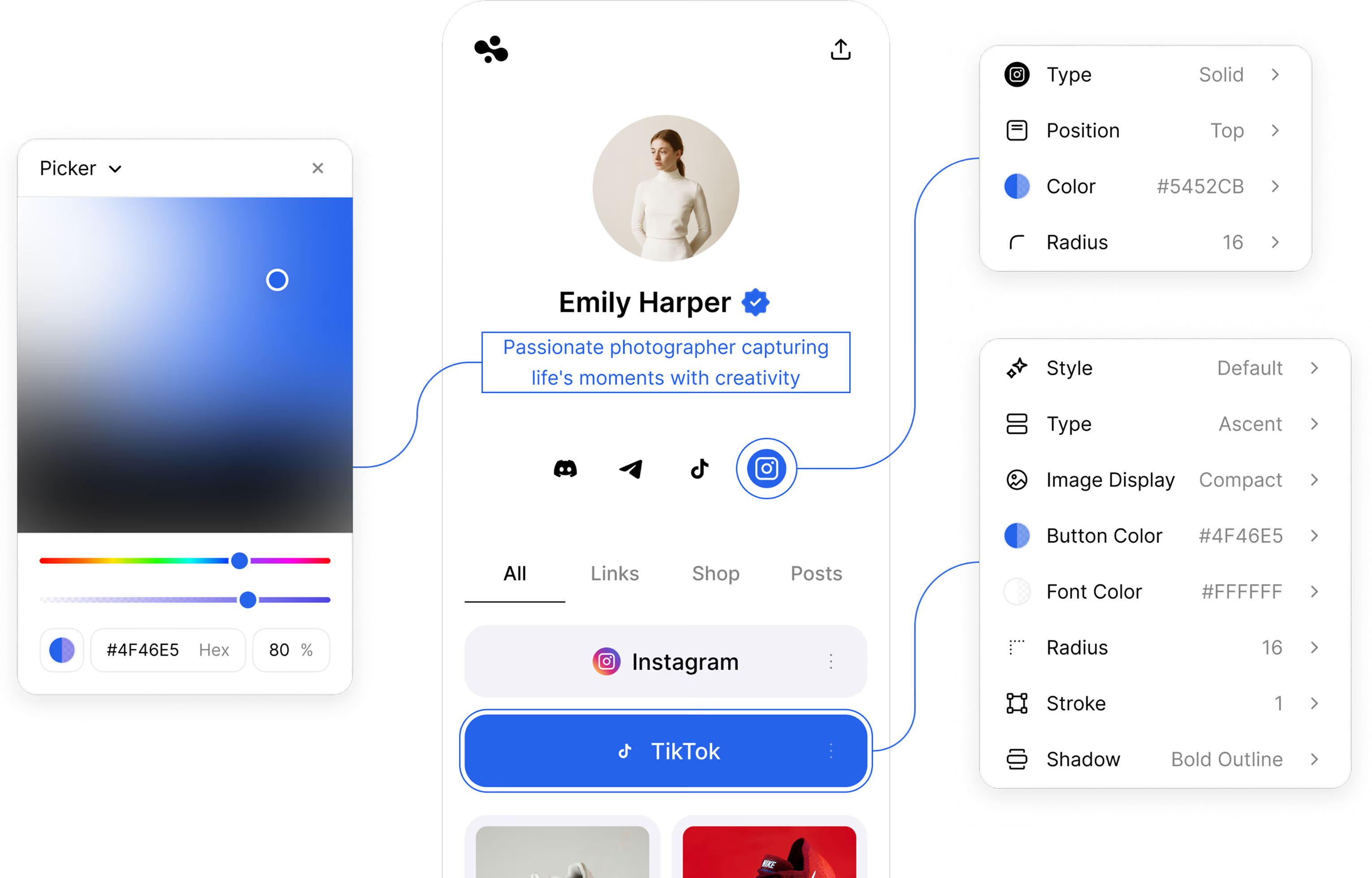
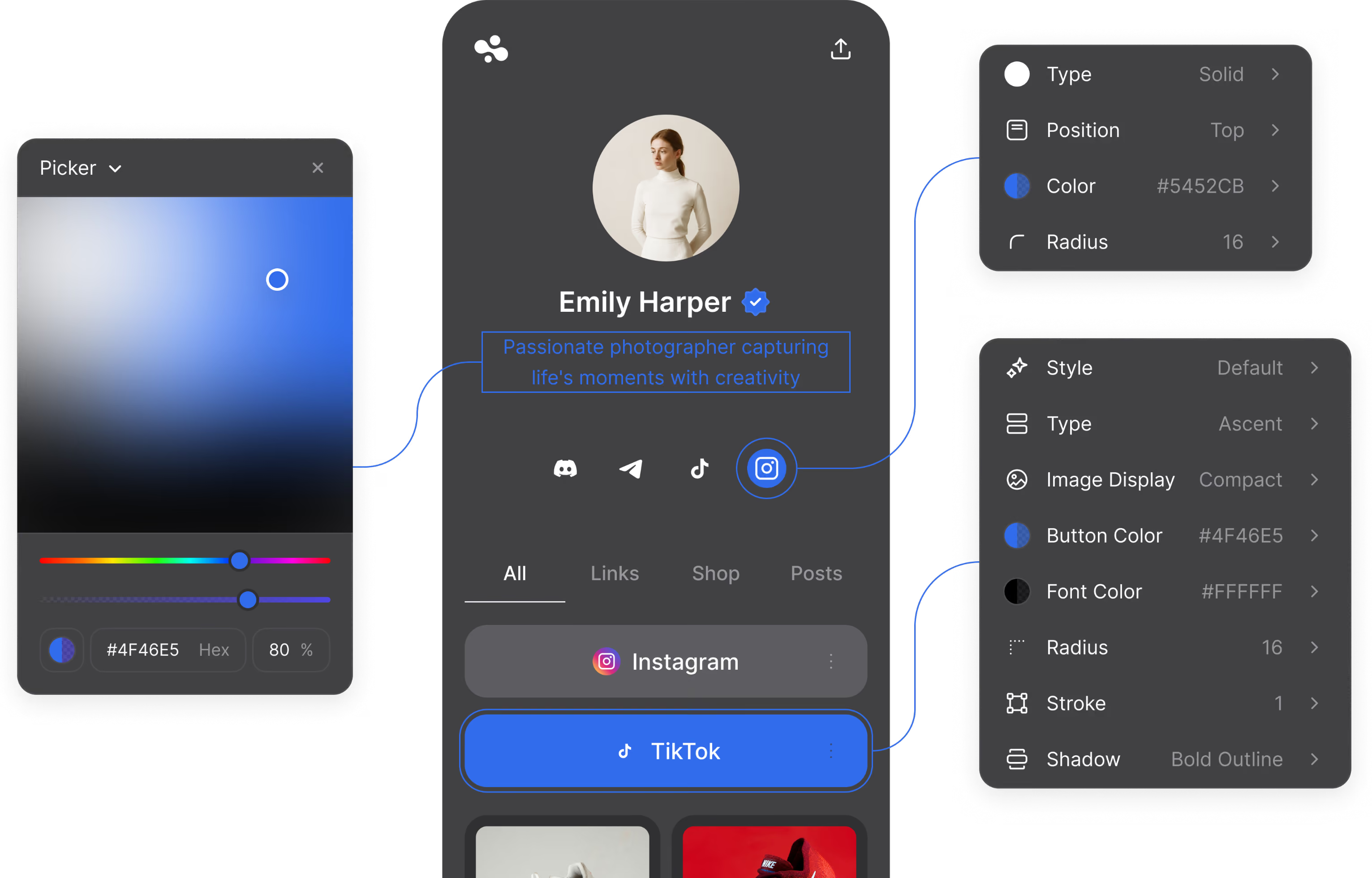
Tune every color, button and corner
Start with a theme and change anything you like.
How it works
Your link in bio in three steps
You don’t need to code or design anything.
Claim your name
Your page lives at in.bio/yourname, a link that’s easy to say and easy to remember.
Add what you share
Add your links, socials, videos and photos. Start from a template or a blank page.
Put it in your bio
Paste your link into Instagram, TikTok or anywhere else. Edit the page any time, and the link stays the same.
Features
Everything your link in bio can do
Start with links, and add more when you need it.
- Browse templates
A page that looks like you
Pick one of 54 templates or start blank, then change anything.
- Basic themes on Free, every theme and look from Beginner
- Colors, buttons, shadows and corners
- Display fonts, from Beginner
- Your own image or video background, from Beginner
- Start collecting leads
Get found and collect leads
Google and AI assistants can read your page. Add a form to get the emails of people who aren't ready to buy yet.
- Indexable by Google and AI assistants, on every plan
- Your own SEO title and description, from Pro
- Forms and lead magnets: a file for an email, from Pro
- Start selling
Sell and take bookings
Sell digital products and take bookings right from your page. Available on Business, $29 a month.
- Sell digital products
- Take bookings, free or paid
- 0% selling fee, paid out through your own Stripe
- A verified checkmark, after our team reviews the page
- An AI chat that answers in your words
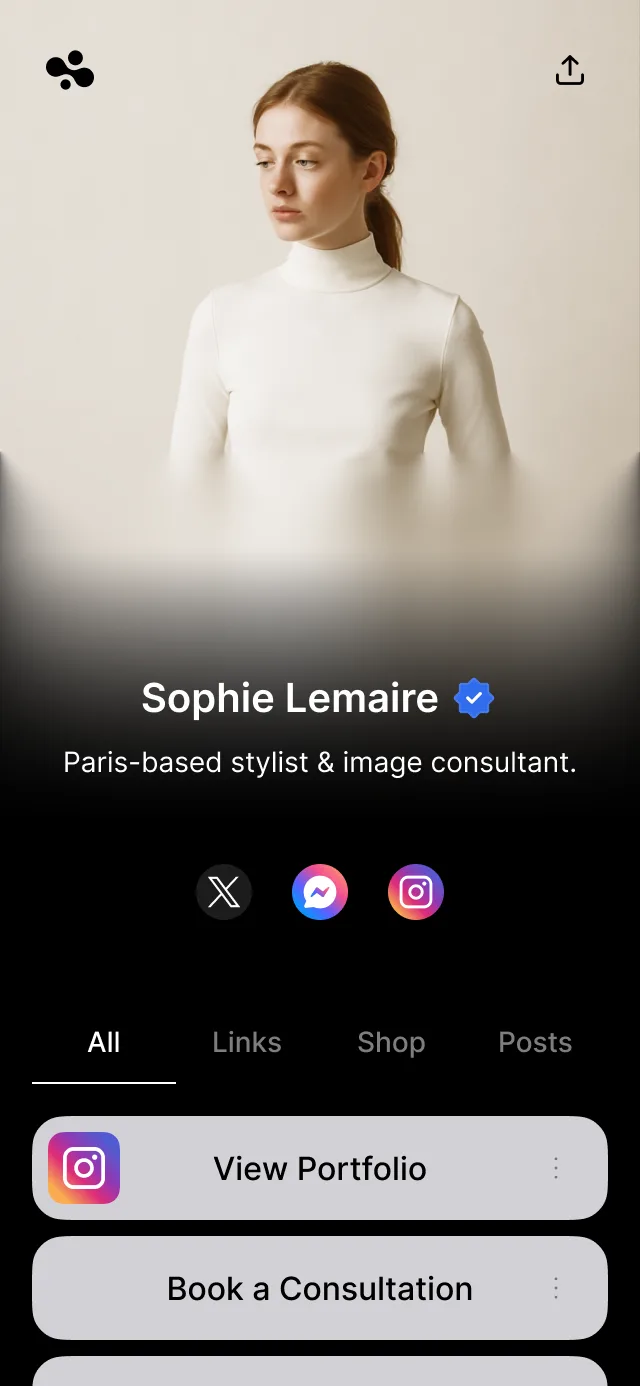
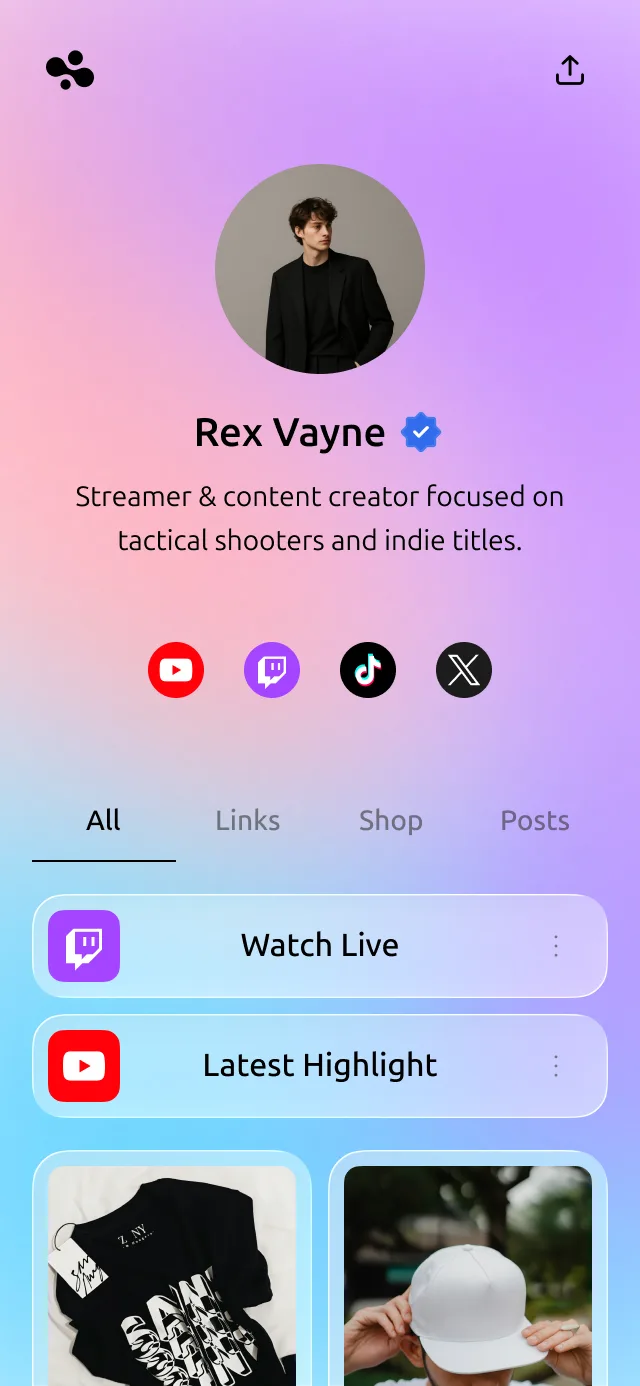
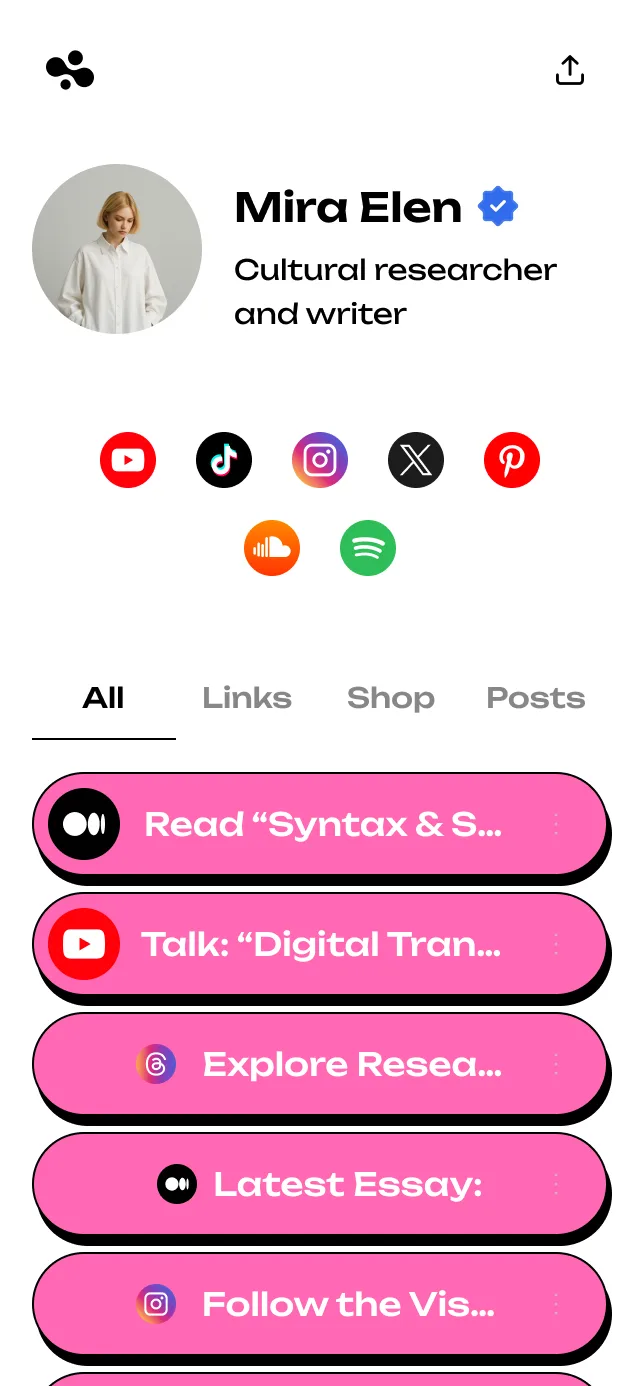
Templates
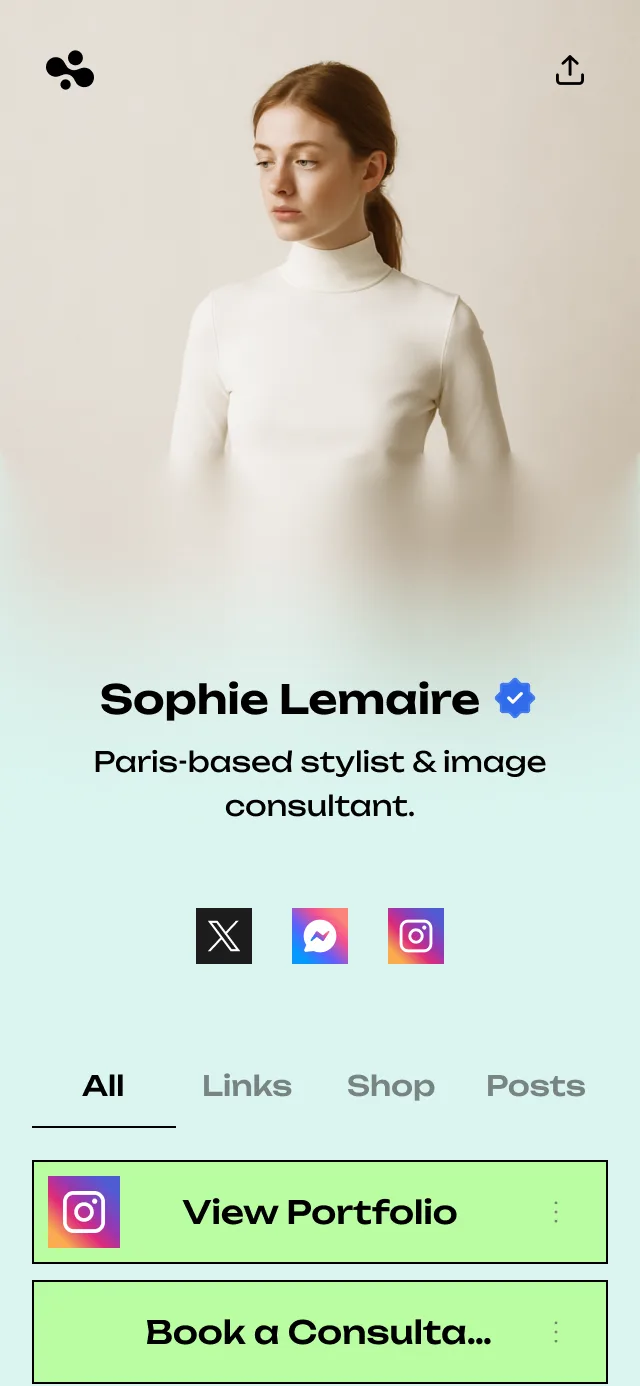
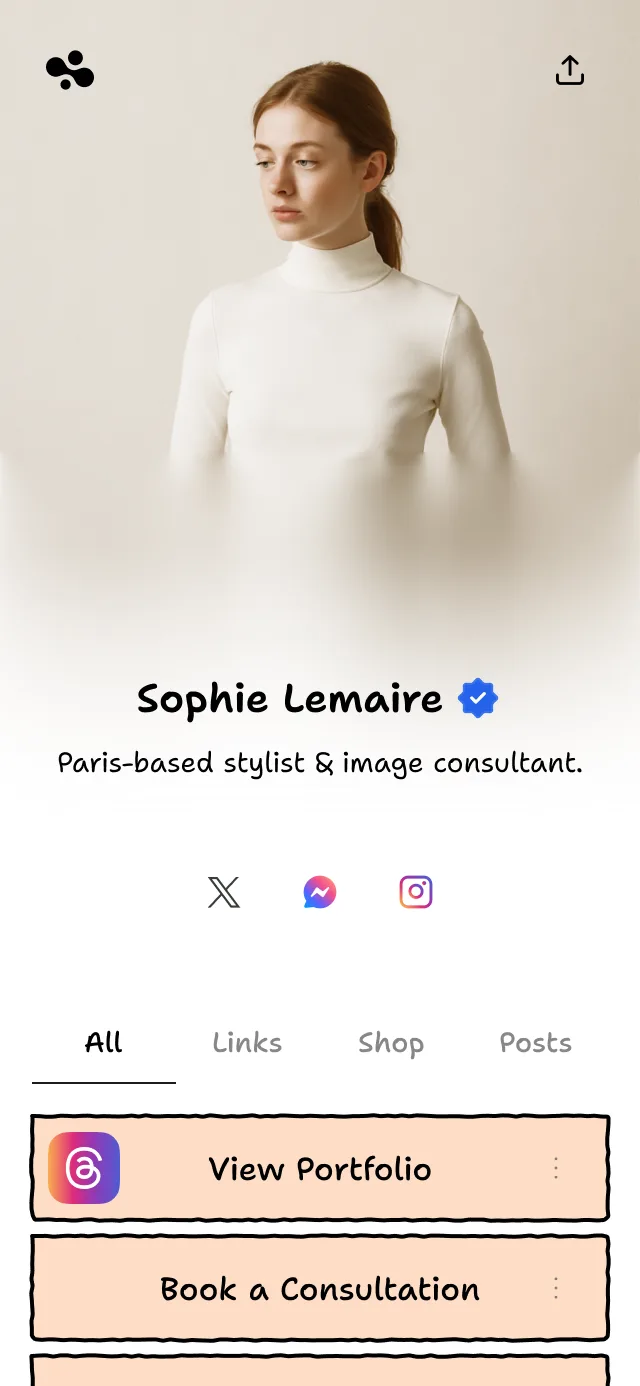
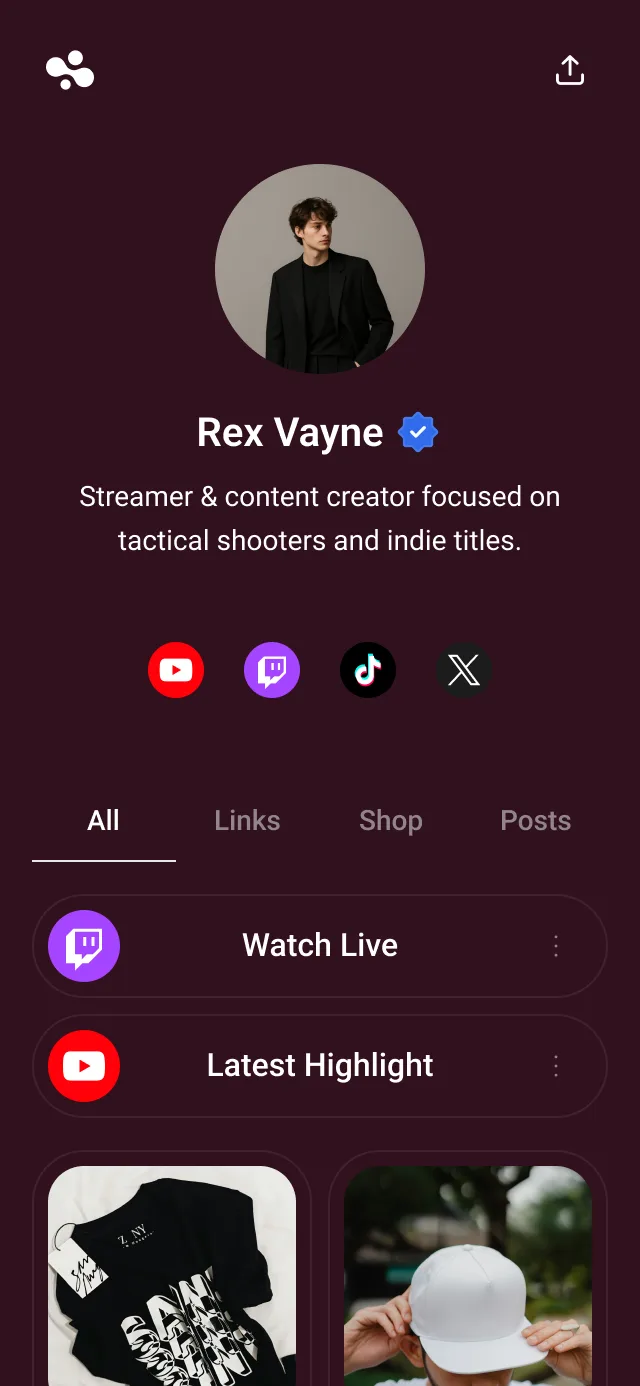
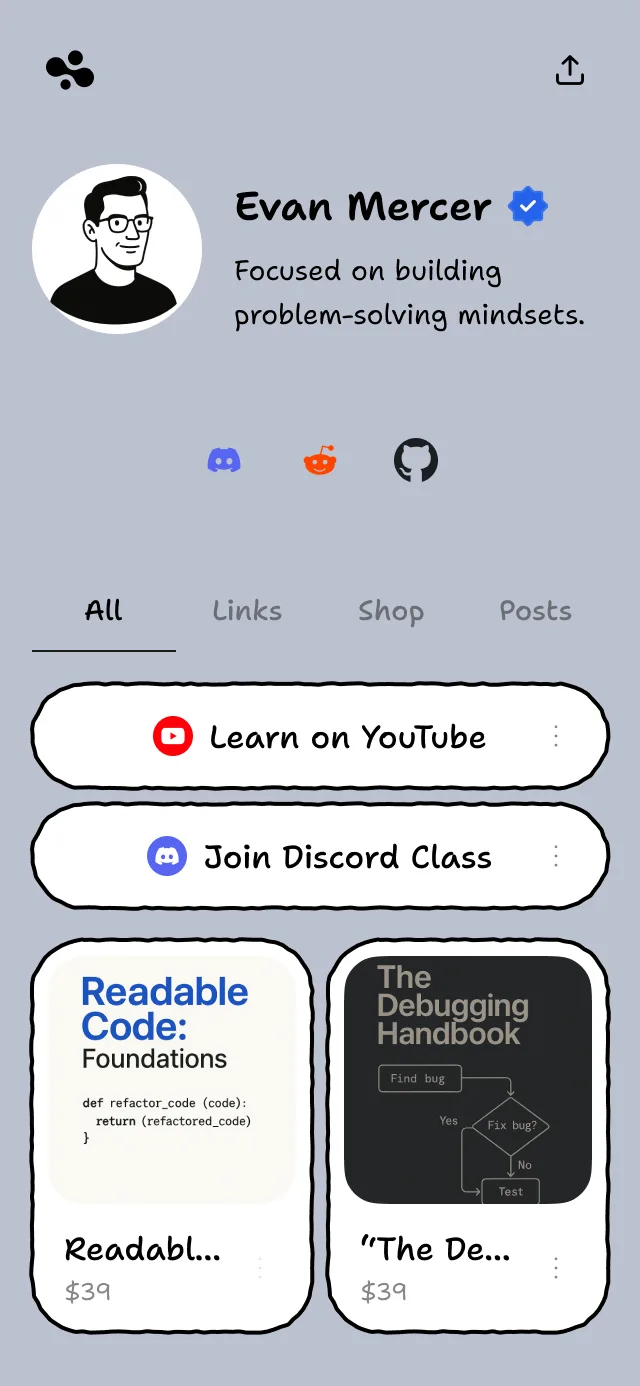
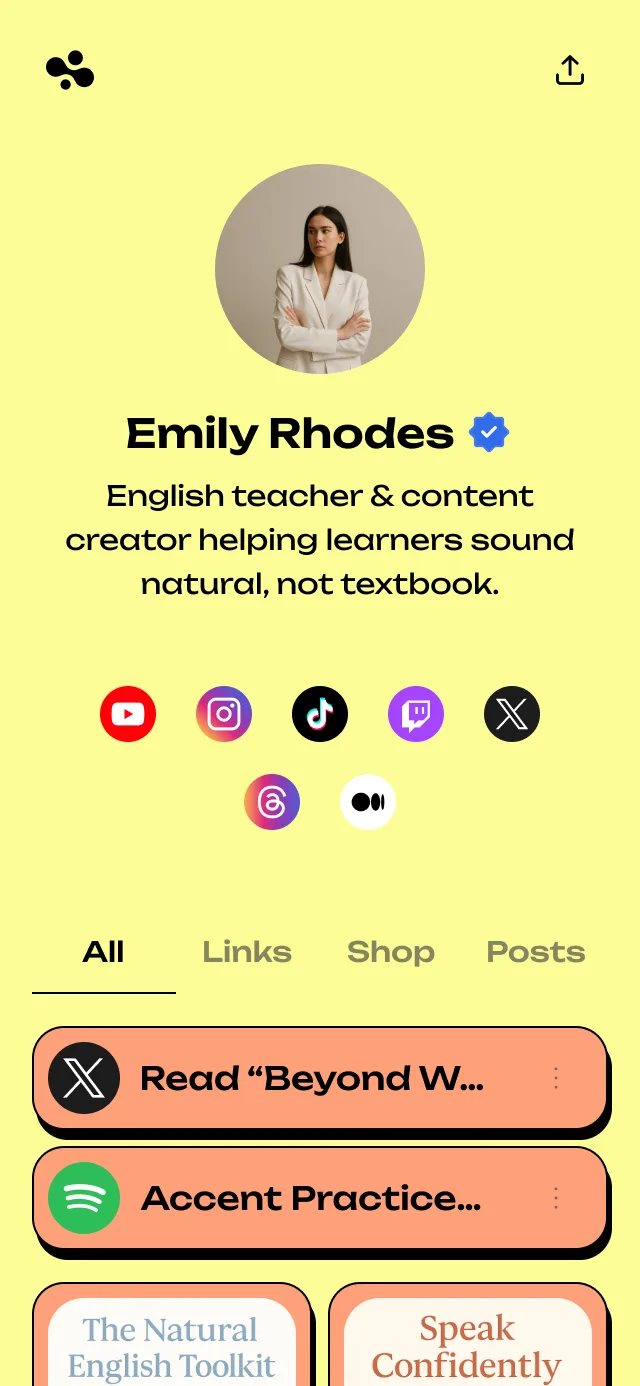
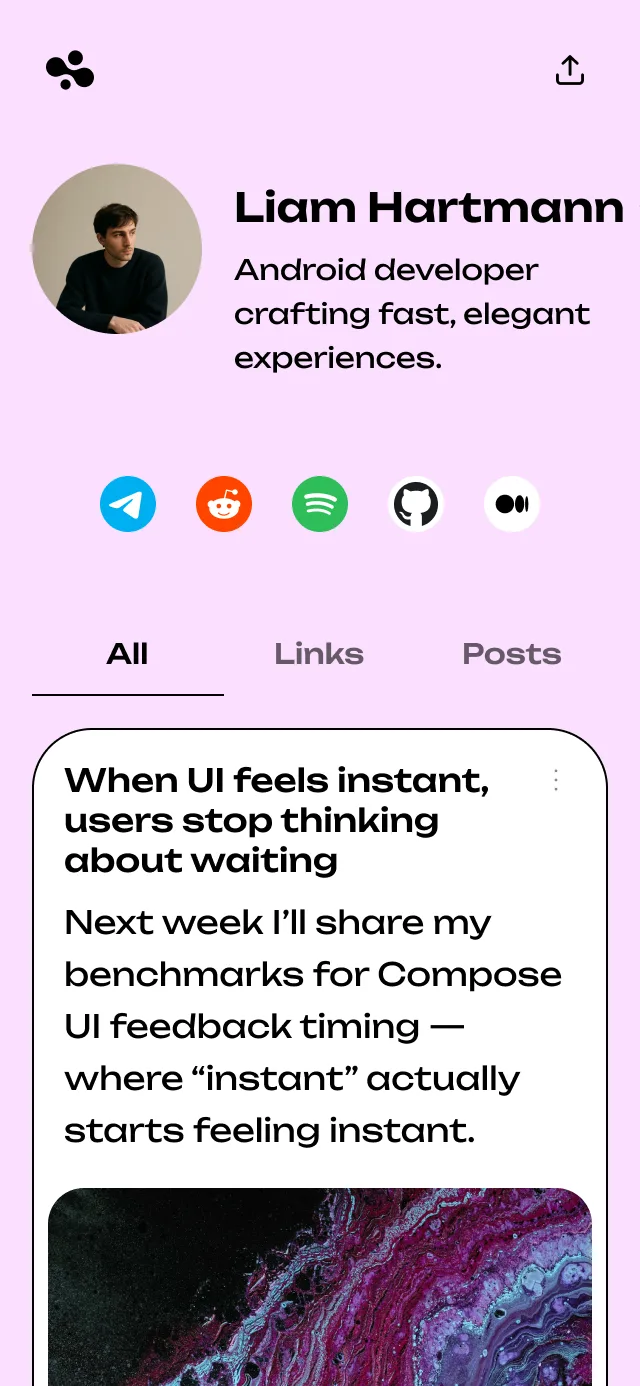
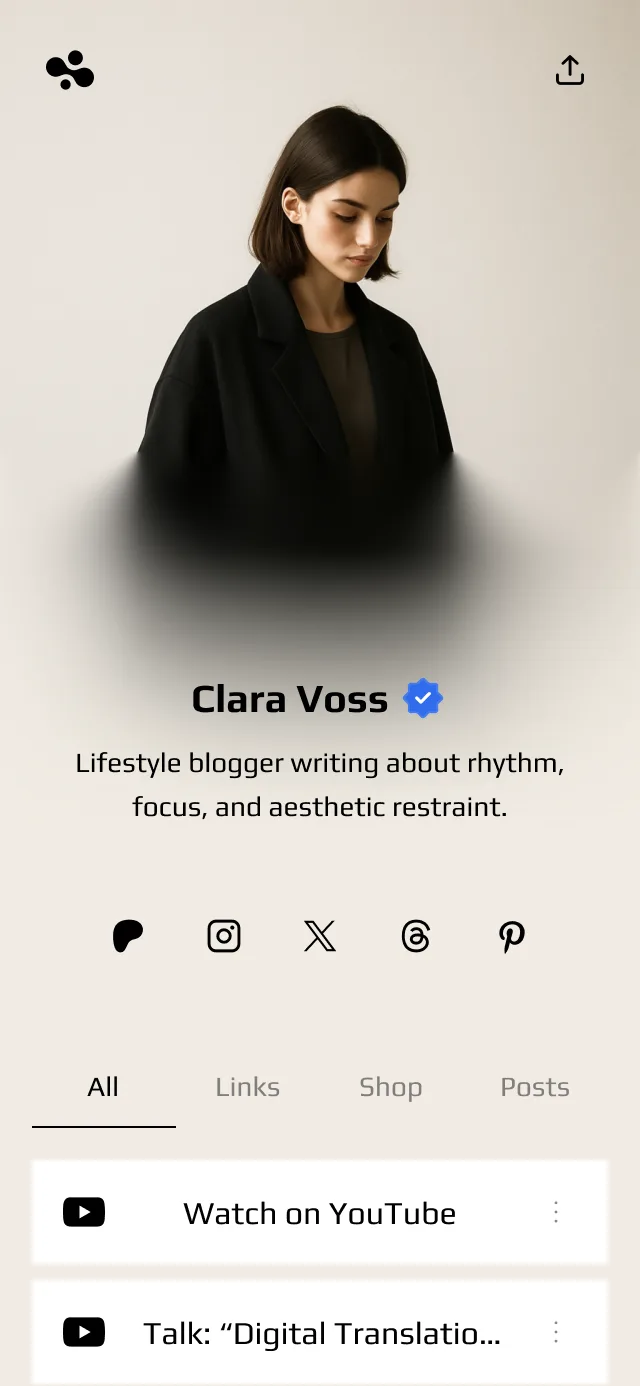
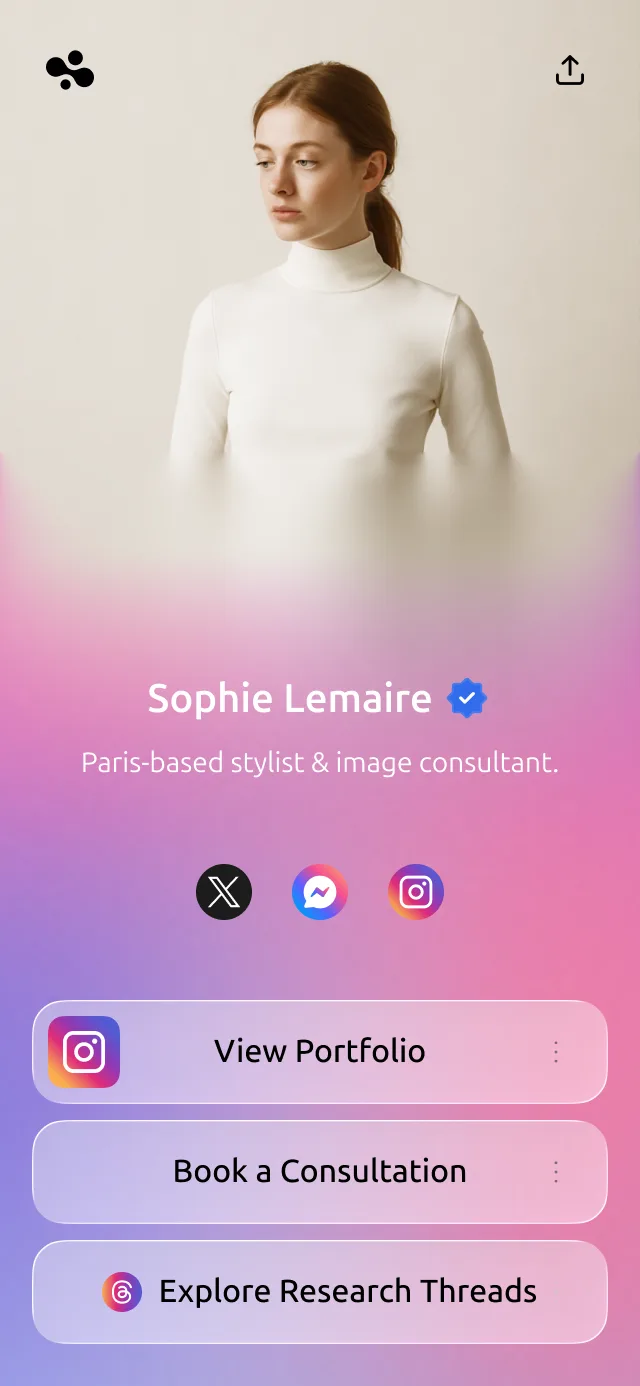
54 link in bio templates to start from
Six styles, from Glassmorphism to Hand-Drawn. Pick one and make it your own.

Pricing
Pricing
Free to start. Paid plans from $4 a month, each with a 14-day free trial.
Beginner
Make the page yours
Everything in Free, plus:
- All themes
- Full design control
- Basic analytics
Most popular
Pro
Collect leads and lose our logo
Everything in Beginner, plus:
- Advanced analytics
- Lead capture forms
- Hide InBio branding
- SEO features
Business
Take bookings and sell
Everything in Pro, plus:
- Sell and take bookings
- Verified checkmark
- AI chat on your page
- 0% selling fees
Free
- Your page at in.bio
- Links, media, galleries and other cards
Analytics
See who visits, and where they come from
Basic stats come with every plan. Pro shows where visitors come from, what device they use and which links they tap.
Where your visitors are
See which countries your visitors come from.
Phone, tablet or desktop
See whether visitors use a phone, tablet or computer.
Where the taps come from
See clicks on each link, and which platform sent each visitor.


What is a link in bio?
A link in bio is the clickable link on a social media profile, and the page it opens. Instagram allows up to five links and TikTok and X one, so most people point that link at a single page that holds everything. What "link in bio" means, in full.
What is InBio?
InBio is the simplest link in bio to start with, and the one you won't outgrow: a clean page in a minute, with downloads, bookings, an AI assistant and a verified checkmark ready when you need them. It is free to start at in.bio/yourname, for people, creators and businesses alike.
How much does InBio cost?
Free costs $0 and needs no card. Beginner is $4 a month for display fonts and your own image or video background, Pro is $9 for forms, advanced analytics and no InBio branding, and Business is $29 to sell and take bookings. Paid plans start with a 14-day trial, and paying yearly costs ten months instead of twelve.
How do I add my link in bio on Instagram?
Open your profile, tap Edit profile, then Links, then Add external link, paste your in.bio address and save. Every account can add up to five links. Step by step, and what to do when Links is missing.
How do I add a link in bio on TikTok?
In the TikTok app, tap Profile, then Edit profile, and add your link next to Links. TikTok allows it once you have 1,000 followers or a Verified Business Account. TikTok's link rules.
Can I use one link in bio everywhere?
Yes. in.bio/yourname works anywhere a link does: Instagram, TikTok, YouTube, X, Threads, LinkedIn, an email signature or a printed QR code. Change the page once and every place it's posted is current.
What can I put on my page?
Links, social icons, posts, image galleries, and videos and music that play on the page. Paid plans add contact forms, lead magnets, digital products and bookings.
What should go first on my link in bio page?
The one thing you most want people to do this week: the new video, the booking, the shop. Socials go in the icon row, and links nobody taps any more come off.
Can I collect contacts and leads?
Yes, on Pro at $9 a month. Add a contact form, or a lead magnet that sends a file when someone leaves their email. How lead magnets work from an Instagram bio.
Can I sell products and take bookings?
Yes, on Business at $29 a month. Sell downloads and take free or paid bookings against your own opening hours, paid into your own Stripe: InBio takes 0%, Stripe charges its usual processing fee. What each link in bio tool takes from a sale.
How do I track link in bio clicks?
Every plan shows basic stats: views, clicks, click-through rate, average time on page and a daily chart, compared with the previous period. Pro and Business add clicks per link, traffic sources with bounce rate, countries and devices, so you can see which platform sends the people who act. What to measure, and what to ignore.
Will my link in bio show up on Google?
It can. Every InBio page is open to search engines and AI assistants, on every plan, and Pro lets you write the title and description Google shows.
How is InBio different from Linktree?
Both put one link in your bio, and both have a free plan. InBio is simpler to start, and there's more to grow into: $4 a month opens display fonts and your own backgrounds, $9 adds forms and advanced analytics and removes our mark, and selling on Business takes 0% through your own Stripe, where Linktree's free plan takes 12%. Nine alternatives compared, prices checked.