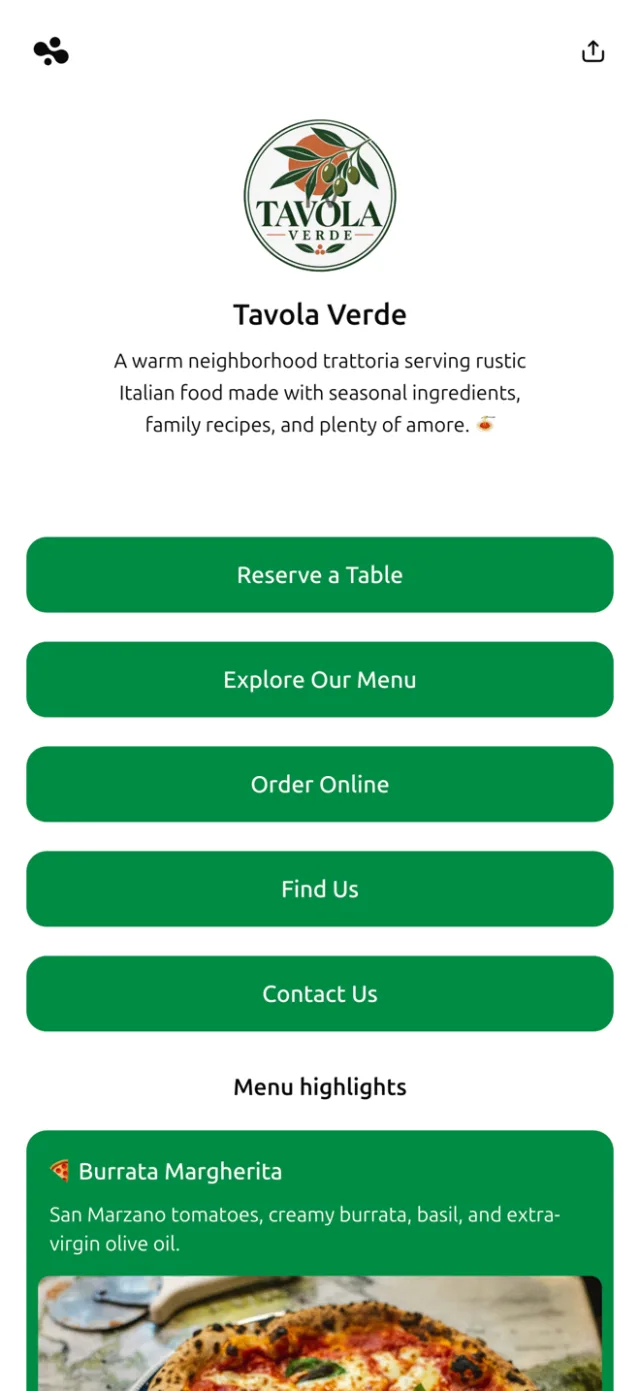
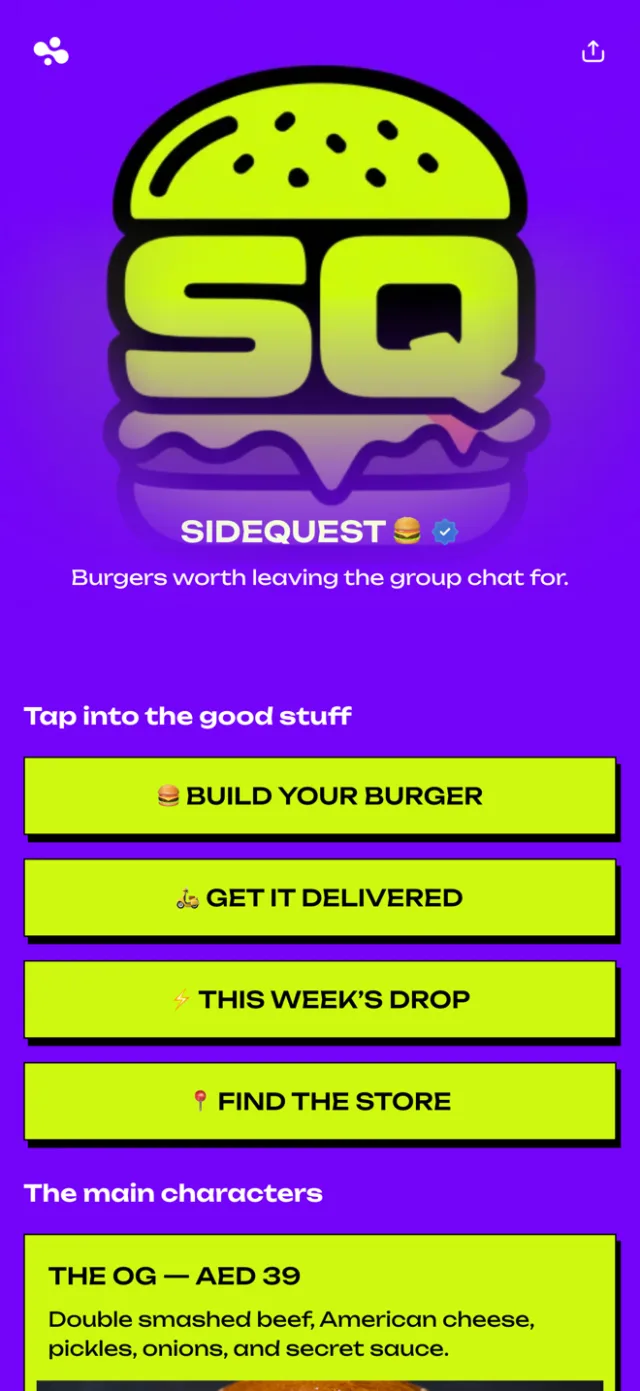
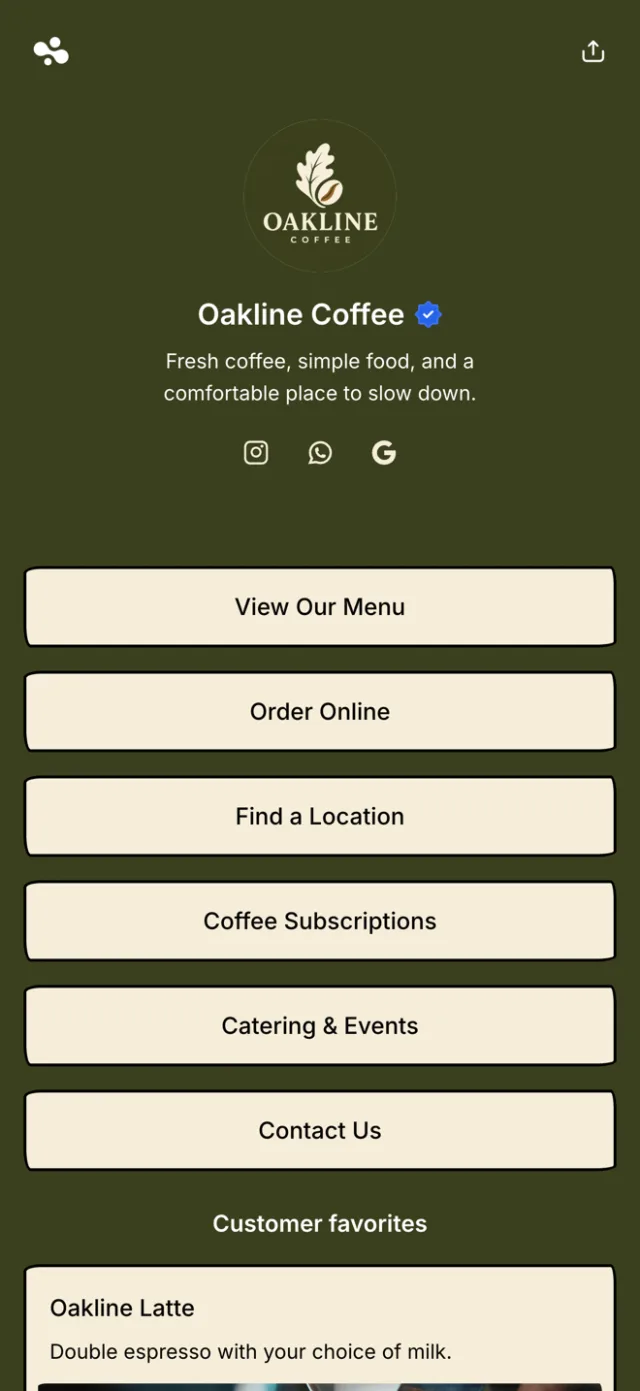
A link in bio for restaurants is one mobile page for your menu, your Google Maps location, your hours, your socials, and your latest updates. A diner who finds you on Instagram, or scans the QR code on your table, reaches all of it in one place. On InBio the page is free. Pro ($9 a month) shows you which links diners tap: the menu, the map or the specials.
What you get
- Your whole menu, first thing. Link your menu right at the top — a menu page on your site or a set of clear photos, both easier to read on a phone than a PDF. The dish someone saw on Instagram is why they tapped, so the food is the first thing they meet, not a homepage they have to dig through.
- Every social in one place. Instagram, TikTok, Facebook, WhatsApp, your Google reviews — all on one page. A diner who found you on one platform can follow you on the rest without searching your name five times over.
- Directions and today’s hours. Add your Google Maps link for one-tap directions and show today’s hours, so nobody drives to a closed door. The person choosing between you and the place next door gets your address and a route without leaving the page.
- Posts for specials and signature dishes. Write a post for tonight’s special, your dress code, a seasonal menu, or the story of the room — with photos. Show the plates worth ordering the way your feed does, and put the ones you want a first-time visitor to see at the top.
- The one link every channel points to. Add it to your Instagram and TikTok bios and your Google profile. Print it as a QR code for your tables, your window, and the receipt. Every source leads to the same page, online and in the room — and you update it once.
- See exactly which links diners tap. On Pro, analytics show the devices and countries your visitors come from, the platform that sent them, and — most useful of all — which links they tap. You learn whether the menu, the map, or the specials pulls, and put that first.
At a glance
| Question | Answer |
|---|---|
| What goes on it? | Your menu, Google Maps location, hours, socials, and posts. |
| Who is it for? | Restaurants, cafés, bars, and food trucks that market on social. |
| Where do you use it? | Instagram and TikTok bios, your Google profile, and printed QR codes. |
| Can you track clicks? | On Pro — see devices, countries, traffic sources, and which links diners tap. |
| What does it cost? | The page is free to build. Pro adds lead forms and advanced analytics (clicks per link, traffic sources); Business adds selling and bookings. |
| How long to set up? | About ten minutes from a template. |
How InBio compares for restaurants
| Feature | InBio | Linktree | Google Business Profile |
|---|---|---|---|
| What it is | A link in bio page for your menu, map, socials and posts | A link in bio page | Your listing on Google Search and Maps |
| Price | Free; paid plans from $4 a month | Free; paid plans from $8 a month | Free |
| Menu | A link to your menu page, or menu photos | A link to your menu | Dishes with photos and prices |
| Map and hours | Google Maps on the page, and your hours, on every plan | Not checked | Hours, and directions on Google Maps |
| Specials and updates | Posts with photos, on every plan | Not checked | Posts for offers, events and updates |
| QR code for the tables | Yes | Yes, on every plan | Not checked |
| Which links diners tap | Clicks per link and traffic sources from Pro, $9 a month | Per-link insights from Starter, $8 a month | Insights on calls, reviews, bookings and searches |
A Google Business Profile is not a link in bio page: it lives on Google, not in your Instagram bio. You can run both and link each from the other. Checked October 2026 against each tool’s own pricing and help pages.
Why a restaurant needs a link in bio
People choose where to eat on their phones, mid-scroll, often minutes before they’re hungry. They see a dish on Instagram, tap your profile, and get one clickable link. If it opens only your menu, the diner who wanted your address is stuck. If it opens only your homepage, the one who wanted the food gives up. Your followers want the menu, the location, the hours, and a reason to come in — and one link has to carry all of it.
A link-in-bio page is that single link done right. It’s a fast, mobile page that gives each visitor what they came for. The menu for the browser. The map for the one on their way. Your socials for the one still deciding. And whichever platform sent them, it stays the one address you own.
One page that connects everything your restaurant is online
A restaurant lives in a dozen places at once: Instagram, TikTok, Facebook, Google, a delivery app, the printed menu on the table. A link-in-bio page is the one place they all point to. Link every social to your in.bio address. Put that address in each bio. Print it as a QR code by the door and on your menus. However a guest arrives, online or in your dining room, one tap lands them on the same page: your menu, your socials, your location, everything.
The payoff: you manage one page instead of ten profiles. Change the menu, add a special, or fix your holiday hours. The moment you save, every channel that points here is current. No editing five bios. No reprinting a card. It’s the closest thing to a website a restaurant needs, without being one.
What to put on your restaurant link in bio
Lead with the menu — it’s what turns a scroll into a decision. Link it as a page on your site or a set of clear photos — both read better on a phone than a PDF. Next, your Google Maps location and today’s hours, so the “where are you, and are you open” question answers itself. Then your socials: Instagram, TikTok, Facebook, your Google reviews. A first-time visitor can see you’re active before they make the trip.
Then use posts to keep the page alive. Write up tonight’s special, your dress code, a new seasonal menu, or the story behind the place. Add photos of the dishes worth ordering — the signature plate, the dessert everyone films. A post gives a returning follower a reason to come back. It gives an Instagram visitor a reason to come this week, not “sometime.”
See which links your diners actually tap
Most link pages are a black box: you post the link and never learn what people do with it. InBio’s advanced analytics, on Pro, change that. They show the devices and countries your visitors come from. They show the platform that sent them — Instagram or Google. Best of all, they show exactly which links diners tap.
That turns guesswork into a decision. If the menu gets the taps, put it first. If your Maps link leads in the early evening, your followers are on their way in. Either way, you order the page around what your diners actually want.
How to set it up in ten minutes
Claim in.bio/yourname and pick a template that suits your room. Link your menu, add your Google Maps location and hours, and drop in your socials. Then write a first post — your signature dish, with a photo. Match the colors to your brand and publish.
Then put that one link everywhere your restaurant shows up. Your Instagram and TikTok bios. Your Google profile. A QR code on your tables and menus. When the menu changes or a special comes up, update the page once — and every channel, online and in the room, is current.