For most people, the best Linktree alternative in 2026 is InBio: the simplest to start, free with no card, and nothing to outgrow. Forms come on Pro at $9 a month, and bookings and selling at 0% on Business at $29, on the same page. Pick Carrd for the cheapest custom page, $19 a year on your own domain; Beacons for the widest free plan, if you accept a 9% cut on sales; and Stan Store if the link exists to sell courses or coaching.
If it has to be free, Hopp by Wix and Campsite have the cleanest free plans and Beacons the longest feature list. InBio Free gives you the page, basic analytics and your own colors, buttons and corners; display fonts, the full-bleed photo and your own image or video background start on Beginner at $4. Nine alternatives are compared below, with Linktree's own row in the table so you can weigh staying put.
We make InBio. Every tool here, ours included, was checked the same way in October 2026: on the company's own pricing page, help center or blog. Three caveats. Linktree shows its web prices in local currency; the US figures here ($8, $15 and $35 a month) match Linktree's own US App Store listing, which charges $7.99, $14.99 and $34.99 (checked 13 October 2026). Taplink publishes US prices only on its blog, billed yearly. Hopp's plan table is password-protected, so we quote only its own "from $8 a month".
Sites like Linktree, compared side by side
| Tool | Best at | Free plan | Paid from | Sells for you | Platform fee on sales |
|---|---|---|---|---|---|
| InBio | Design, selling and bookings on one page | Yes, no card | $4/mo | Downloads and bookings (Business), lead forms (Pro) | 0% (selling is on Business, $29/mo) |
| Beacons | Widest free plan, AI tools | Yes | $10/mo | Products, courses, appointments | 9% on Free and Creator, 0% from Creator Plus ($30/mo) |
| Stan Store | Selling courses and coaching | No, 14-day trial | $29/mo | Products, courses, calls | 0% |
| Carrd | Cheapest fully custom page | Yes (3 sites) | $9/year | Via Stripe, PayPal or Gumroad embeds, from $19/yr | None from Carrd |
| Taplink | Message-app buttons | Yes | $4/mo billed yearly | Payments and digital products on Business ($8/mo billed yearly) | 0% |
| Lnk.Bio | Paying once | Yes | $0.99/mo, or $9.99 once | A shop | 5% |
| Campsite | Clean, simple pages | Yes | $7/mo | Tips and requests | 0% "for a limited time" |
| Hopp by Wix | A free page backed by Wix | Yes | From $8/mo (varies by region) | On paid plans | 0% |
| Later Link in Bio | Teams already on Later | No, 14-day trial | $25/mo, or $18.75/mo billed yearly | No, links to your store | n/a |
| Linktree (staying put) | Name recognition, integrations | Yes | $8/mo | Downloads, courses, bookings | 12% Free, 9% Starter and Pro*, 0% Premium ($35/mo) |
*Linktree's own pricing page disagrees with itself: the Pro card says "0% fees", the fee table says 9%. Plan on 9% until Linktree fixes one of them.
What changed in 2026
- Linktree's fees got harder to read. Its help center no longer lists the fee per plan; it points to the pricing page, where the Pro card and the fee table disagree. Linktree's prices last rose in November 2025.
- Hopp is no longer only free. The free plan stays, and paid plans now start at $8 a month at regional prices.
Why people leave Linktree
Four reasons come up over and over.
The free page advertises Linktree, not you. The logo stays on your page until Pro at $15 a month. Your bio link is often the first thing a potential customer taps, an odd place for someone else's brand.
The features you want sit in tiers that keep moving. The free plan keeps 28 days of analytics; per-link insights start on Starter, image and video backgrounds and email-tool sync on Pro, all-time analytics and data export on Premium. Linktree's own pricing page shows prices by region in local currency, and the tiers have been renamed and repriced more than once.
Every Linktree looks like a Linktree. A template with your colors is still a template. If your page is part of your brand, sameness is a cost.
Selling costs a cut on every plan but the top one. Linktree now sells digital products, bookings and courses (the courses are powered by Kajabi), but it keeps 12% of each sale on Free and 9% on Starter and Pro. Only Premium, at $35 a month, takes 0%.
None of this makes Linktree bad. It's the default for a reason: simple, trusted, integrates with everything. But defaults are chosen for you.
How we picked
Five things decide whether you'll still be happy with a tool in a year, the same framework as our best link-in-bio tools guide:
- The free plan. Usable, or a demo with a logo on it?
- Design range. Can your page look like yours?
- What the page can do beyond listing links: sell, book, capture leads.
- Fees. A free tool taking a cut of your sales is not free.
- Durability. Link-in-bio tools die more often than you'd think; there's a graveyard below.
Every tool here went through the same five checks. InBio comes first because it's our pick; the rest are in no particular order.
InBio: the best overall pick for most people, and free to start
InBio is built for everyone: a personal page, a creator's storefront, a verified page for a business. Start with links, then add forms, bookings and selling to the same page.
Your InBio page is built from blocks — links, posts, digital products, bookings with live availability, sign-up forms — arranged in sections you lay out as rows, cards, grids or carousels. Design goes past picking a color. Free already sets colors, buttons, shadows, corners and 16 workhorse fonts; Beginner adds 17 display fonts, a full-bleed photo layout and your own image or video background. On Business, an AI assistant answers visitors' questions in your words, using quick questions and knowledge you manage.
Pricing: Free is $0 with no card: your page at in.bio/yourname with links, media, galleries and the other cards, plus basic analytics (views, clicks, click-through rate and time on page). Beginner is $4/mo or $40/yr and adds the display fonts, the full-bleed photo layout, your own image or video background, and every theme built on them.
Pro is $9/mo or $90/yr and removes InBio branding, adds contact forms and lead magnets, advanced analytics (clicks per link, traffic sources, countries and devices), and your own SEO title and description. Business is $29/mo or $290/yr and adds selling digital products, bookings with live availability, 0% selling fees, the AI chat, and a checkmark verified by the InBio team. A yearly term costs ten months rather than twelve. Billing is per page, so an agency runs each client's page on its own plan. Paid plans start with a 14-day trial for first-time subscribers, and InBio takes 0% on sales — you connect your own Stripe and keep everything past Stripe's processing.
What's good: the whole design range for $4. Lead capture (Pro) and selling and bookings (Business) are built in rather than bolted on.
What to watch: no custom domains yet — every page lives at in.bio/yourname. We're younger than Linktree, and the deepest integrations directory belongs to the incumbent; if you need a niche integration today, check first.
Beacons: the widest free plan, with a 9% cut until $30 a month
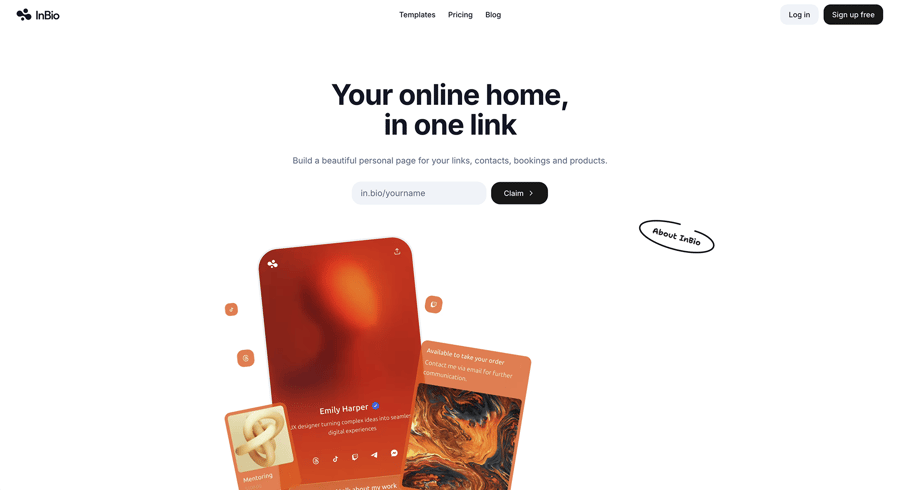
Beacons has grown from a link page into a small creator suite: link in bio, an auto-updating media kit, email sends, Instagram auto-DM replies and AI tools for most of it. The free plan is broad: unlimited digital products, affiliate links, real-time analytics and 50 email sends a month.
Pricing: Free; Creator $10/mo ($100/yr); Creator Plus $30/mo ($300/yr); Creator Max $100/mo ($900/yr).
The catch: on the Free and Creator plans, Beacons takes 9% of every sale. The 0%-fee tiers start at $30/month. Sell $500 of products a month on the $10 plan and you're paying $55 a month: $10 for the plan, $45 in fees. Run that maths before choosing a tier, or see how Beacons and Linktree compare once you sell.
What's good: the widest free feature set here; the media kit earns its keep for brand deals.
What to watch: the fee; Beacons branding stays until Creator Plus; and the breadth means a busy interface for someone who wants a clean page.
Stan Store: a storefront first, $29 a month from day one
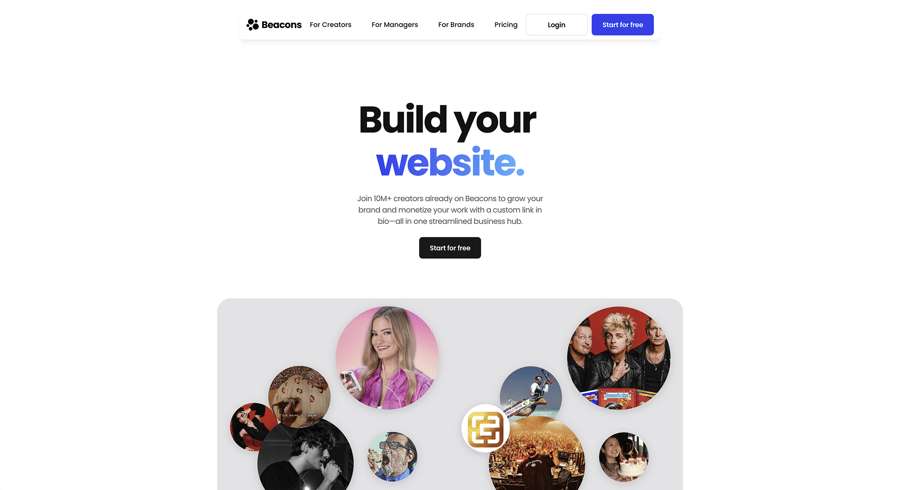
Stan flips the model: a storefront that happens to live in your bio, not a link list with a store attached. Courses, digital downloads, coaching calls and community memberships are first-class, checkout is built in, and Stan takes 0% of sales.
Pricing: no free plan, a 14-day trial. Creator is $29/mo or $300/yr; Creator Pro, which holds email broadcasts, upsells and discount codes, is $99/mo or $948/yr.
What's good: the selling flow is the most focused on this list; 0% fees.
What to watch: $29 a month is a lot before you're selling, there's no free tier to grow on, and as a page it's plain — a store, not a canvas. If you're already on Stan and weighing a move, see Stan Store alternatives that sell at 0%.
Carrd: the cheapest custom page, if you'll build it yourself
Carrd is not a link-in-bio tool; it's a one-page site builder that makes very good bio pages. Paid tiers are priced per year, not per month.
Pricing: Free (3 sites on carrd.co); Pro Lite $9/yr, which removes the Carrd branding; Pro Standard $19/yr, which adds a custom domain, forms and embeds; Pro Plus $49/yr. Pro has a 7-day trial.
What's good: $19 a year for a page on your own domain is the bargain of this list; total design freedom.
What to watch: you assemble everything yourself. There are no link-in-bio conveniences and no native selling: you embed Stripe, PayPal or Gumroad, which needs Pro Standard or above.
Taplink: message-first pages for service businesses
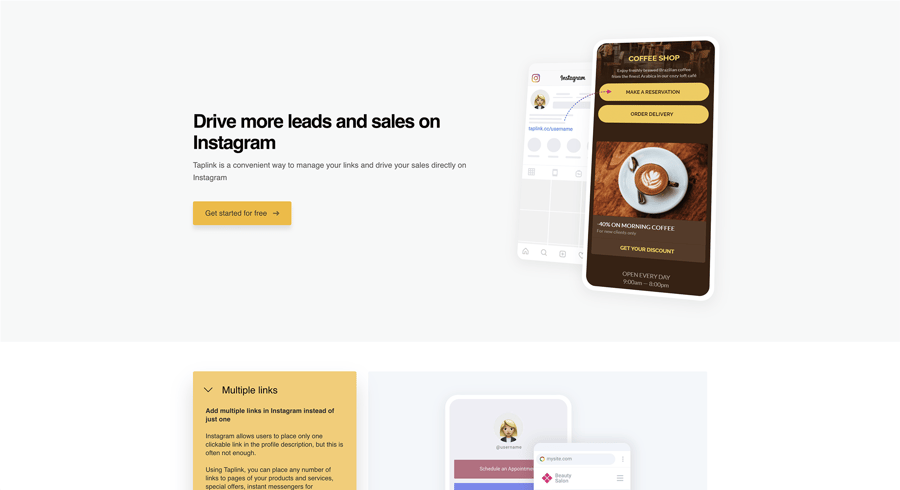
Taplink builds simple mobile pages fast, with WhatsApp and Telegram buttons as its signature. Taplink's Pro is $4 a month and Business $8 a month, both billed yearly per Taplink's own blog; Business adds digital products, application forms, a custom domain and branding removal. The live pricing page shows local currency and bills in advance, three months at a time or longer. Taplink takes no transaction fee.
What's good: cheap; message-first buttons suit services where the sale happens in a chat; quick to set up.
What to watch: design is functional rather than beautiful, and the useful blocks sit on Business.
Lnk.Bio: pay once and stop thinking about it
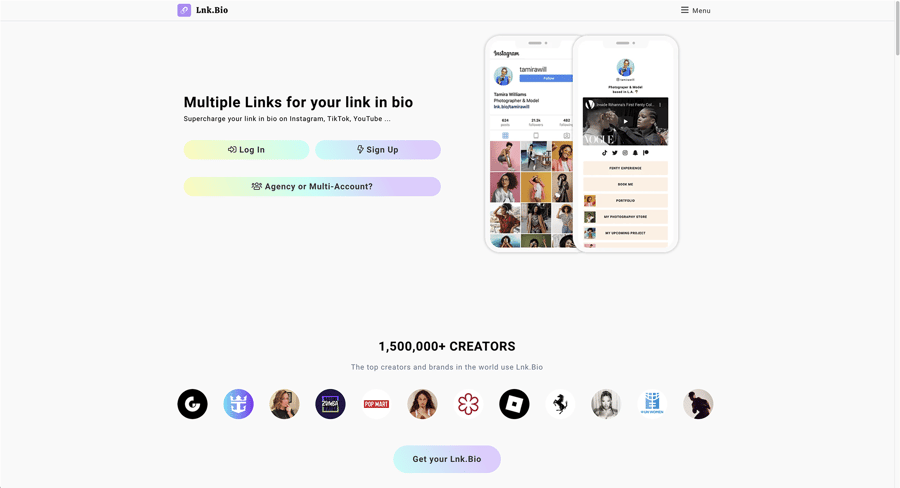
Lnk.Bio's pitch is the pricing model. Alongside a free plan, Mini costs $0.99 a month or $9.99 once, and Unique, which removes the Lnk.Bio logo, is $24.99 once with no subscription. Ultra is $89.99 a year. A booking calendar ($4 a month) and a custom domain ($39.99 a year) are add-ons.
What's good: the one-time option is rare among the established tools; the free plan allows unlimited links.
What to watch: it's a link page first. Lnk.Bio's shop takes 5% of each sale on top of Stripe or PayPal, and the design ceiling is low.
Campsite: a tidy page and nothing else
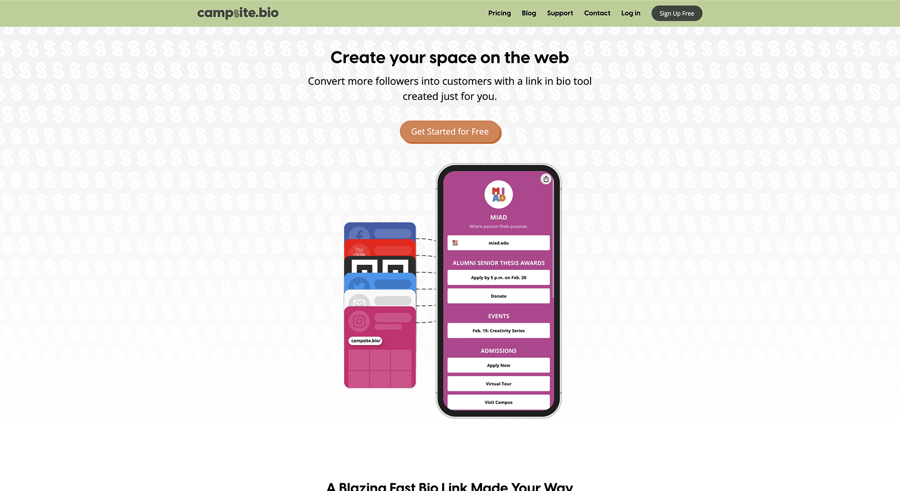
Campsite (campsite.bio) has done the simple thing well for years: clean layouts, form embeds, none of the sprawl. The free-forever plan has unlimited links. Campsite Pro is $7 a month ($70 a year) and adds a custom domain, email opt-in forms, deeper analytics and branding removal; Campsite Pro+ is $24. Campsite's paid plans come with a 10-day trial. If the all-in-one suites feel like too much, this is the calm option.
What's good: pleasant to use; pages look professional out of the box.
What to watch: selling stops at tips and paid requests, the free page carries Campsite branding, and the 0% fee is labelled "for a limited time".
Hopp by Wix: free, and unlikely to vanish
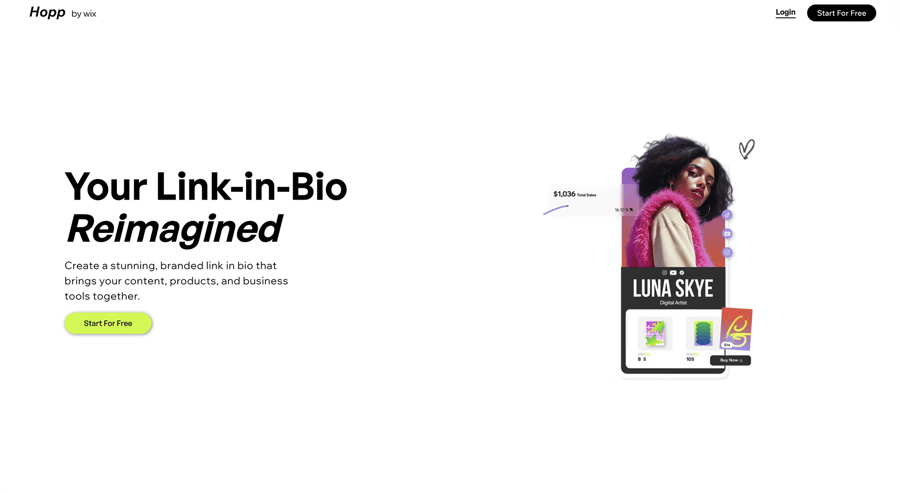
Hopp is Wix's link-in-bio product. The standard plan is free, and paid plans start at $8 a month, priced by region; Hopp says it takes 0% of sales on every plan. Its main feature is the company behind it. After the shutdowns in the graveyard below, a public parent company is worth something.
What's good: a polished free page; durability by association; a path into a full Wix site if you ever need one.
What to watch: it's a young product with a shorter feature list than the suites above, the plan table sits behind a password, and it is a doorway into Wix's paid products.
Later's Link in Bio: only if you already pay for Later
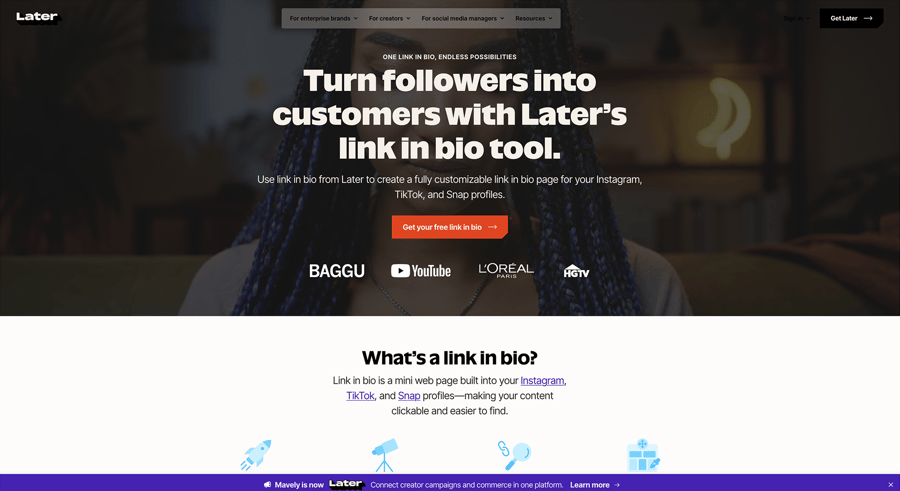
Later's Link in Bio connects tightly to your Instagram and TikTok content — tap a post, land on its link. But Later no longer offers it free, and you can't buy it alone. Link in Bio ships inside every Later plan: Starter is $25 a month billed monthly, or $18.75 a month billed yearly, after a 14-day trial. For a link page alone, that's a scheduler's price.
What's good: the post-to-link workflow is clever; one bill for scheduling and bio link.
What to watch: the price only makes sense as a bundle, and if you leave Later, your link page goes with it.
The graveyard: link-in-bio tools that died
Your bio link is printed on business cards, embedded in QR codes and pasted into a hundred profiles. That makes durability a feature — and this category has a body count:
- Bento — acquired by Linktree in June 2023 (Tech.eu) and shut down on 13 February 2026. User and profile data was deleted, and bento.me links now redirect to Linktree (AlternativeTo).
- Linkpop — Shopify's link-in-bio tool shut down on 7 July 2025; after that, pages could no longer be edited and no new accounts could sign up (Taplink's write-up; Shopify's own notice is no longer online, and linkpop.com now redirects to shopify.com).
- Koji — bought by Linktree, which announced the deal on 14 December 2023 and shut Koji's link-in-bio product on 31 January 2024 (TechCrunch).
Two lessons. Prefer tools with a visible business model — a company charging money for a product it wants to keep. And if your tool offers a custom domain, use it, so a dead tool doesn't take your printed QR codes with it. (InBio doesn't offer one yet.)
Switching from Linktree in about 15 minutes
- Rebuild the links. Open your Linktree in one tab and your new page in another; even a long list takes minutes. Group them while you're at it — what a link in bio can be.
- Swap the URL everywhere it lives. Instagram, TikTok, YouTube, X, your email signature — in one sitting, so no profile points at the old page. TikTok has its own rules about links: here's how they work.
- Keep the old page alive for a week or two, pointing its top link at the new page. Stragglers and cached previews will still find their way.
- Regenerate QR codes if you've printed any.
- Check your numbers after a week. This is when you learn what your old tool wasn't telling you — what to look for.
Who should pick what
- Most people: InBio. Free to start, the full design range at $4, and forms, bookings and selling at 0% on the same page when you add them.
- The cheapest custom page: Carrd, $19/year with your own domain.
- The biggest free feature pile, fees accepted: Beacons.
- Selling hard from day one: Stan Store, if $29/mo clears.
- Pay once, ever: Lnk.Bio, $9.99 or $24.99 one time.
- Free and durable: Hopp by Wix.
Pick one, rebuild your links tonight, and swap the URL in every bio in one sitting.
This post is part of our link in bio basics series: what a link in bio is, how the tools compare, and what the numbers mean.