A good TikTok bio fits three short lines into TikTok's 80-character limit: what you make and for whom, a hook that says why to follow, and a pointer to where the profile tap goes. Every idea below is some arrangement of those three, and every one fits. The weak bios spend the space on something else.
What to write in a TikTok bio: the three-line formula
Eighty characters is about twelve words, roughly three short lines. Give each line a job:
- What you make, for whom. The niche, in the words your audience would type into search.
- The hook. Proof, personality, or the promise of the next video.
- The pointer. Where the profile tap goes: your link, your schedule, your shop.
A worked example for a home cook. It comes to 73 characters, line breaks and emoji counted:
15-min dinners, no fancy pans 🍳
New recipe every Tue/Fri
Full recipes ⬇️
Niche, cadence, pointer. Seven characters to spare. An arrow or a word both work as the pointer; the arrow costs two characters and reads faster.
Checked October 2026: TikTok's help center says "Bios cannot exceed 80 characters." It doesn't say how emoji count, so every count here budgets two per emoji. A URL typed into the bio text is never clickable.
Line one, and your name, should use searchable words
Write line one in the words a viewer would type: "15-min dinners" tells a stranger in two words what the account is for, where "just a girl who loves cooking ✨" tells them nothing. TikTok doesn't publish what its account search matches. It doesn't need to: the words a viewer would type are also the words that tell them they're in the right place.
The same goes for your name, which TikTok calls the nickname: the display name above your bio, separate from your @username. TikTok shows it across the app, "in the For You feed, comments, and direct messages" (TikTok Support: nickname), so it travels further than the bio does. "Maya | Easy Weeknight Dinners" works harder than "Maya" alone. You get 30 characters, and you can change it once every 7 days, so test a version for a week before changing it again. It's the same trick as Instagram's name field.
TikTok bio examples for creators
Sixteen ideas: six for creators here, six for businesses and four personal bios below, each with a note on what it's doing. All fit in 80 characters. Steal the structure, not the words; the section after them shows how.
Fitness coach:
Strength for busy parents 💪
20-min plans, zero gym guilt
Programs below ⬇️
"Strength" plus "busy parents" is a search phrase and a self-selection in four words, and line two answers the objection before it's raised.
Musician:
Bedroom pop from Manchester
New single out now — hear it here ⬇️
Genre plus city is how people search for local music, and "out now" makes the pointer urgent instead of generic.
Artist:
Ink portraits, start to finish
Commissions open Oct — book below
"Start to finish" says the videos are process, not a gallery, and a dated pointer answers "when" before the visitor asks.
Streamer:
Cozy horror games, live Tue–Sat 8pm
Schedule + all my links below
"Cozy horror" narrows the niche to two words, and the live times are the hook: a streamer's proof is showing up.
BookTok:
Fantasy + romantasy, spoiler-free
3 reviews a week
My shelf + giveaways ⬇️
"Spoiler-free" is the promise that earns the follow, and the cadence says how often it gets kept.
Comedy:
Office-life sketches
Survived a 4:59pm meeting? Hi
Longer ones on YouTube ⬇️
For an entertainer, the hook is the joke. Line two proves the voice in six words, and the pointer moves fans somewhere longer.
TikTok bio examples for businesses and services
Small business (candle shop):
Hand-poured candles, small batches
New scents drop Fridays ⬇️
Two lines: "drop Fridays" is both the hook and the reason to come back, and the arrow says where.
Food truck:
Birria tacos, downtown Austin
Today's spot + menu ⬇️
Dish plus neighbourhood is what a hungry person types, and "today's spot" gives a reason to tap the link daily.
Makeup artist:
Soft glam for hooded eyes
Bridal dates open for 2027
Book + my kit list ⬇️
"Hooded eyes" is the problem her viewers search for, and the pointer offers two things: the booking for clients, the kit list for everyone else.
Real estate agent:
Austin homes under $400k
Honest home tours every week
Listings + book a call ⬇️
City plus price band is the search, "honest" is the stance, and the pointer serves the browser and the buyer in one line. 79 characters: tight, and it fits. On Instagram, where the bio runs to 150, an agent has room for a second line of proof.
Tutor:
GCSE maths in 60 seconds
Exam tips daily until June
Free past papers ⬇️
Exam plus subject is exactly what a stressed student types, and "until June" tells them the account has a deadline too.
Photographer:
Elopement photos, Scotland
Behind the shot every Sunday
Dates + prices below
Service plus place is the search for anyone planning an elopement, and "dates + prices" answers the two questions every inquiry starts with.
TikTok bio ideas for a personal account
Not every account sells something. A personal bio still does the same three jobs; the pointer just aims at a pinned video instead of a link, or drops out.
Learning in public:
Learning guitar at 41 🎸
Day 212, still bad at barre chords
Day 1 is pinned ⬇️
The day count is the hook: it says you'll keep posting, and the pinned first day is the before picture. 78 characters.
Pet account:
Gerald the cat's assistant
He has opinions. I film them
Two lines and no pointer: the videos are the point, and the joke tells you what they're like.
Moving abroad:
Moved from Dublin to Lisbon with one suitcase
The honest version, weekly
Line one is the whole story in a sentence, and "honest" promises the parts other expat accounts leave out.
Plants:
43 houseplants, mostly alive 🌿
Repotting wins and losses
Worst one is pinned
"Mostly alive" is the personality, and pinning the failure is a better hook than pinning the best shot. 77 characters.
How to adapt one: the home cook bio, rewritten for a dog trainer
Take the worked example and change one line at a time, keeping each line's job.
Line one: swap the niche, keep it searchable. "15-min dinners, no fancy pans 🍳" becomes "Puppy training for new owners 🐶". "Puppy training" is what people type; "dog mom life" is not. "For new owners" does the job "no fancy pans" did: it says who this is for. 32 characters.
Line two: swap the hook, keep the promise. "New recipe every Tue/Fri" is a cadence. A trainer's hook is method: "One fix a day, no shouting". It promises the next video and takes a stance in the same breath. 26 characters.
Line three: swap the pointer, keep it pointing. "Full recipes ⬇️" becomes "Free starter guide ⬇️": the thing behind the link, named. 21 characters.
That draft runs 81 with the two line breaks, one over. "Free" goes, since the visitor finds that out when they tap. "Starter guide ⬇️" is 16, and the bio lands at 76:
Puppy training for new owners 🐶
One fix a day, no shouting
Starter guide ⬇️
The words changed on every line. The jobs didn't. Do the same with any of the examples: name what each line is doing, then write yours to do that.
Three mistakes that waste the 80 characters
1. The fancy-font bio. A screen reader reads 𝓈𝓉𝓎𝓁𝑒𝒹 letters out one symbol at a time, because that's what they are: symbols that look like letters. Search treats them the same way, and some cost more than one character each. Spend the personality on the words.
2. "Welcome to my page" and its cousins. The visitor is already on your page. Any line that describes the act of having a profile ("just here for fun," "follow for more" with no what) is dead weight at this budget.
3. Emoji as filler. Budgeting two characters each, five decorative emoji cost 10 characters, an eighth of your bio. One as an arrow earns its cost.
The link those bios point at
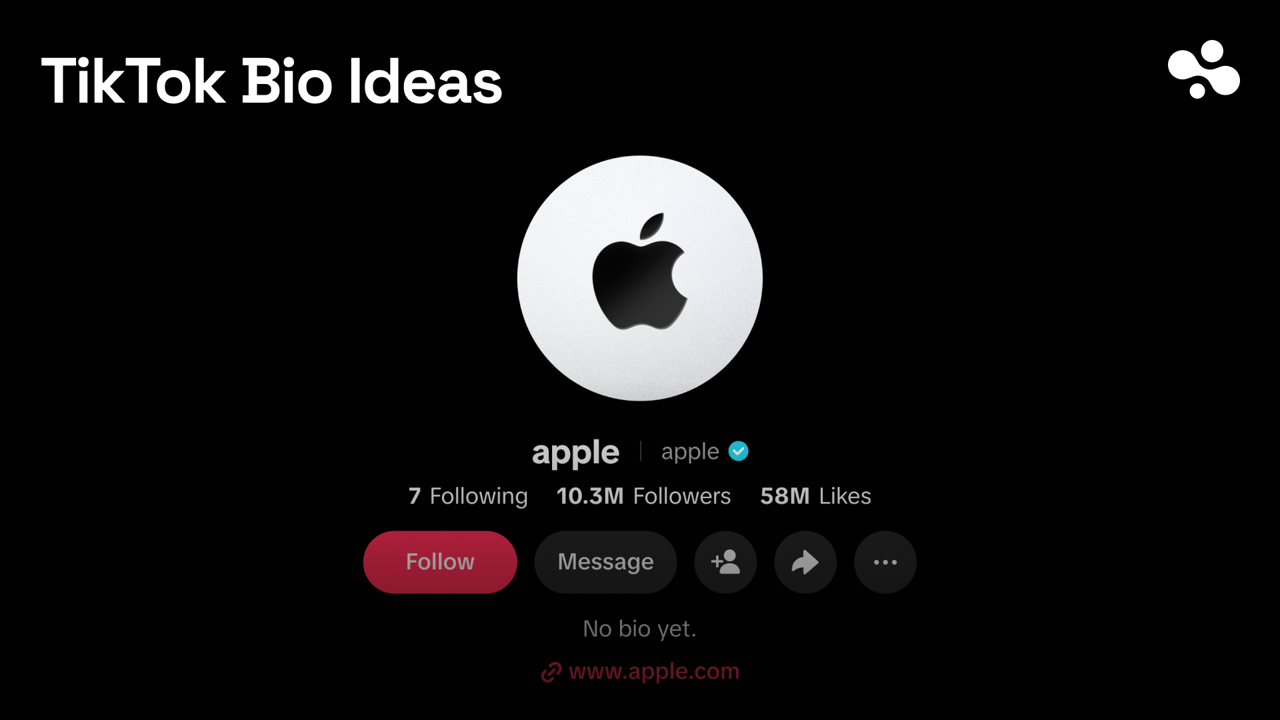
That pointer has to land somewhere, and on TikTok the link field is gated: TikTok's rule is at least 1,000 followers, or a Verified Business Account. Switching to a plain Business account is not enough on its own. Until you qualify, point line three at something on the profile itself (a pinned video, your posting days).
Once you have the field, don't spend it on a homepage. TikTok gives you one link with zero context, and it no longer supports links that open other social apps, so a link to the YouTube app is out while a link to a web page is fine. Point it at a link in bio page that shows your latest drop, shop and socials with labels, so the tap lands on something that explains itself. InBio is one, and the advice holds for any of the best link in bio tools.
Write the three lines, check the count, put the searchable words in line one and in your name, and point the last line at a page that holds everything. The rest of the TikTok series, the link rules included, is in the TikTok guides; more formulas, platform by platform, are in Bio & profile ideas.