To sell a digital product from your Instagram bio, put a checkout page for it behind the one link Instagram shows on your profile. Make the file first: an ebook, a preset pack, a template, a guide. Build the checkout page, attach the file so it is delivered after purchase, and put that page's URL in the first link slot under Edit profile → Links. Make the last line of your bio name the product and point at the link, then name it in captions and stories so people know why to tap. The sale happens on the checkout page, not inside Instagram.
What Instagram lets you do, and the rule that shapes everything
Instagram gives you a 150-character bio, five link slots, and a shop built for physical goods.
Checked October 2026: an Instagram account can add up to 5 external links via Edit profile → Links. URLs in bio text and captions are plain text on ordinary accounts. Since September 2026, eligible public accounts on a paid Meta One plan can attach links to posts and reels: up to 4 posts and 4 reels a month on Advanced (from $49.99 a month), 8 and 8 on Expert, 12 and 12 on Max. Meta's Commerce Policies say commerce content "must not promote the purchase, sale, or trade of downloadable digital content, digital subscriptions, or digital accounts".
The bio link is the one free exit from the profile, and every product you sell goes behind it. A Meta One subscription adds up to 4 linked posts and 4 linked reels a month on Advanced, which helps a launch but doesn't replace the bio link. The shop is the part you cannot use: the same Commerce Policies bar services too, apart from Appointments and WhatsApp. An Instagram shop can list your candles. It cannot list your Lightroom presets or your 40-page guide.
Where the checkout lives: three shapes, pick one
You need a page with a buy button and a file behind it. It can live in three places, and the choice mostly decides your monthly cost, so choose before you build.
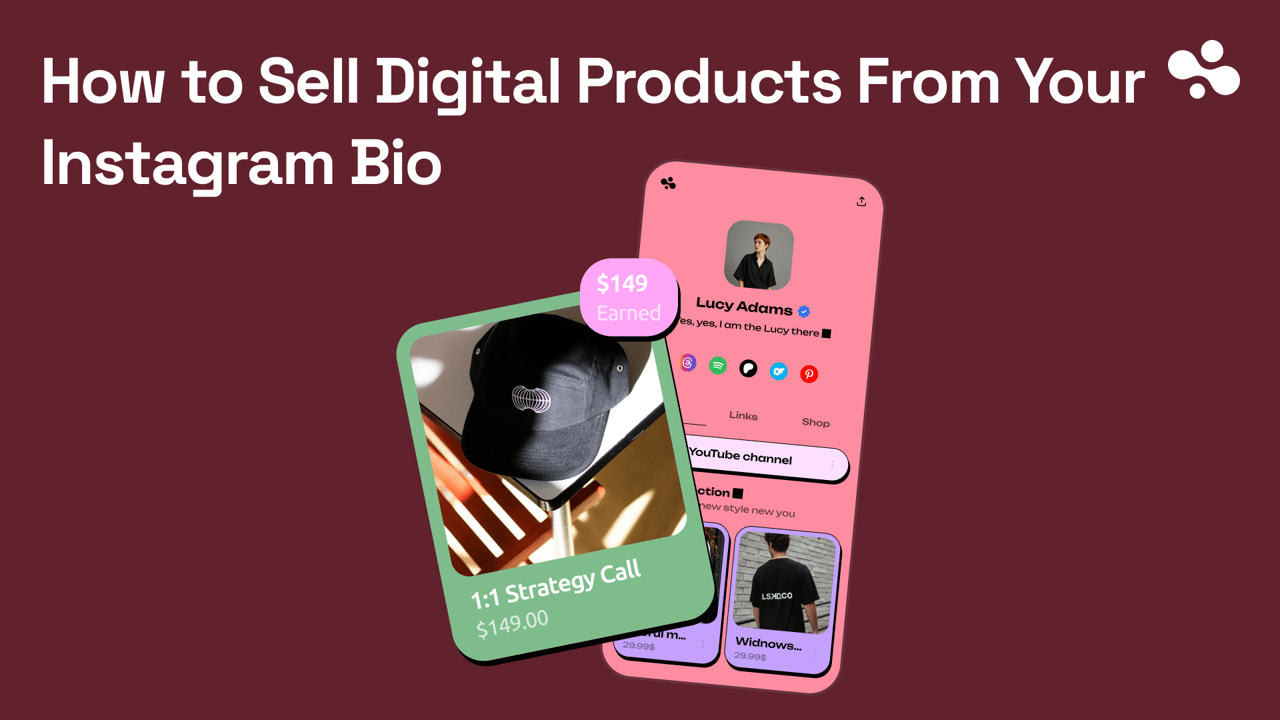
A link-in-bio page with a checkout on it. One page holds your links, your content and the product. The product is its own card with a price and a button, and the bio link points at the page. This fits most people, because the one link keeps doing everything else it did.
InBio does this, at 0% through your own Stripe. Beacons does it too, with a 9% commission on its Free and Creator plans.
A storefront with a checkout link. Stan Store is one: the link opens a store that lists your products with a checkout on each, rather than a page of links. It fits people who already sell several products and want the link to open a shop; if you're weighing Stan itself, its alternatives and their fees are compared side by side.
A marketplace. Gumroad gives the product its own page and URL, takes the payment, and sends the buyer a receipt with a link to the content, for a cut of each sale instead of a monthly fee. It fits a first product you are not sure will sell, because a slow month costs nothing.
Not ready to charge? Giving a sample away for an email address is a different job, and the Instagram lead magnet guide covers that version.
The fee math on $500 and $2,000 a month
Four vendors, six plans, one product, two months. Assume a $25 product, so $500 a month is 20 orders and $2,000 a month is 80.
Checked October 2026: InBio Business $29/mo, 0% platform fee. Stan Store Creator $29/mo, 0% of sales. Beacons Free 9%, Creator $10/mo 9%, Creator Plus $30/mo 0%, Creator Max $100/mo 0%. Gumroad: no monthly fee, 10% + $0.50 per direct sale, 30% on sales through its Discover marketplace. Stripe: 2.9% + 30¢ per domestic card transaction. All from each vendor's own pricing or help pages.
| Route | Monthly fee | Platform cut | Card processing | Total at $500/mo | Total at $2,000/mo |
|---|---|---|---|---|---|
| InBio Business, own Stripe | $29 | 0% | Stripe, 2.9% + 30¢ | $49.50 | $111 |
| Stan Store Creator | $29 | 0% | Stripe, 2.9% + 30¢ | $49.50 + payout fee | $111 + payout fee |
| Beacons Free | none | 9% | Stripe, 2.9% + 30¢ | $65.50 | $262 |
| Beacons Creator | $10 | 9% | Stripe, 2.9% + 30¢ | $75.50 | $272 |
| Beacons Creator Plus | $30 | 0% | Stripe, 2.9% + 30¢ | $50.50 | $112 |
| Gumroad, direct sales | none | 10% + $0.50 per sale | 2.9% + $0.30 | $80.50 | $322 |
Totals assume US cards through Stripe, the rate each vendor's own help pages give. One line has no equivalent elsewhere in the table: Stan's fee article lists a payout fee of 0.25% + $0.25 per payout, minimum $1, so a few dollars a month depending on how often you are paid out. At high volume the marketplace gets cheaper: once a calendar month's paid sales reach $20,000, new direct sales that month cost 5% + $0.50 on Gumroad instead of 10% + $0.50.
What the table cannot show is that the gap widens with volume: every extra sale costs a percentage route more and a flat route nothing beyond processing.
At a $25 product, Gumroad's 10% + $0.50 costs more than $29 flat once you pass about $242 in monthly sales. About $322 in monthly sales is the crossing point for a 9% cut such as Beacons Free. The same arithmetic works inside one vendor: once monthly sales pass about $222, Creator Plus at 0% costs less than Creator at 9% on Beacons. Both points move with the product price, because Gumroad's 50 cents weighs more on a cheap product and less on an expensive one. The 11-tool comparison puts the same fee numbers next to the rest of the category.
Build the checkout page: six things on it, in order
The buyer arrives on a phone with roughly the attention span of a story. The page has to answer "what is it, what does it cost, what do I get" without scrolling.
- The product's name, the same words you use in captions. If the caption says "the Golden Hour presets", the page says "Golden Hour presets". A buyer who has to check they are in the right place leaves.
- One line on what changes for the buyer. "12 presets for warm evening light, one tap in Lightroom Mobile." Not a paragraph.
- The price, visible without scrolling.
- What is inside, as a short list: file types, page count, how many items, which apps it works in.
- One preview. A before-and-after, a page spread, a screenshot of the template in use. One image the page loads fast.
- One button. Buy, and nothing else competing with it.
On InBio, add a product card, attach the file and set the price. Selling is a Business-plan feature on InBio ($29 a month); Free, Beginner and Pro pages do not sell.
Delivery: the file arrives when the payment does
The buyer should get the file the moment the payment clears, with nothing sent by hand, which matters most at 11pm when a story is doing well. Gumroad's help page puts it plainly: "After checkout, you will receive your receipt with a link that takes you to your purchased content." On InBio the file is delivered after purchase (Business plan).
One thing to set once: upload the final file, and name it for the buyer. golden-hour-presets.zip, not final_v3_FINAL.zip. Presets and templates go in one zip with a one-page "how to install" inside.
The bio and the captions: the words that earn the tap
The page sells. Now the profile has to send people to it.
The bio's last line points down at the link. The Instagram bio is 150 characters, and the last line's only job is to name what the link opens: "Golden Hour presets ↓" or "The 30-day content planner, link below". Not "link in bio", which names nothing. The other three lines follow the four-line business bio formula.
Captions name the product whenever it is relevant. "Planner's in my bio" turns a view into a tap; a caption that says nothing leaves the reader to guess. Last line of the caption, product's name, and vary the wording so it does not read like a stamp.
Stories get the link sticker. Add the Link sticker to the story, paste the checkout URL, and label it with the product's name; a viewer who taps it lands on the page (Meta's help page on the link sticker, checked October 2026, notes it works in organic stories only). The story lasts 24 hours, so this is where a launch, a price change or a "12 left" goes.
If the link isn't clickable
Two causes, both fixable in a minute. You typed the URL into the bio text, which never makes links tappable: delete it there and add it under Edit profile → Links, following how to add a link to your Instagram bio. Or you put the URL in a caption, where it publishes as plain text on ordinary accounts: name the product in the caption and send readers to the profile link. On a Meta One plan from Advanced up, use Add link on the post instead of typing the URL.
Put the product behind the link this week
Three actions, in order.
Build the checkout page, upload the file and buy it yourself once to see what the buyer sees. Point the first link slot at it and rewrite the bio's last line to name the product. Then put the product's name in the last line of the next three captions, and give the page a week before changing anything.
Starting from nothing? Create your InBio page with your links today, and add the product the day the file is ready. Selling, with the file delivered after purchase, is on InBio Business: $29 a month, 0% of sales, and a 14-day trial for first-time subscribers. Stan Store also takes 0% if you would rather have a store than a page.
For the free version of the same idea, and the bio that sends people to both, see the rest of the Instagram guides.