One place to run every client’s links.
Give each client their own branded short links, custom domains, and analytics — managed by your whole team from a single account. No spreadsheets, no shared logins, no per-client tools to stitch together.
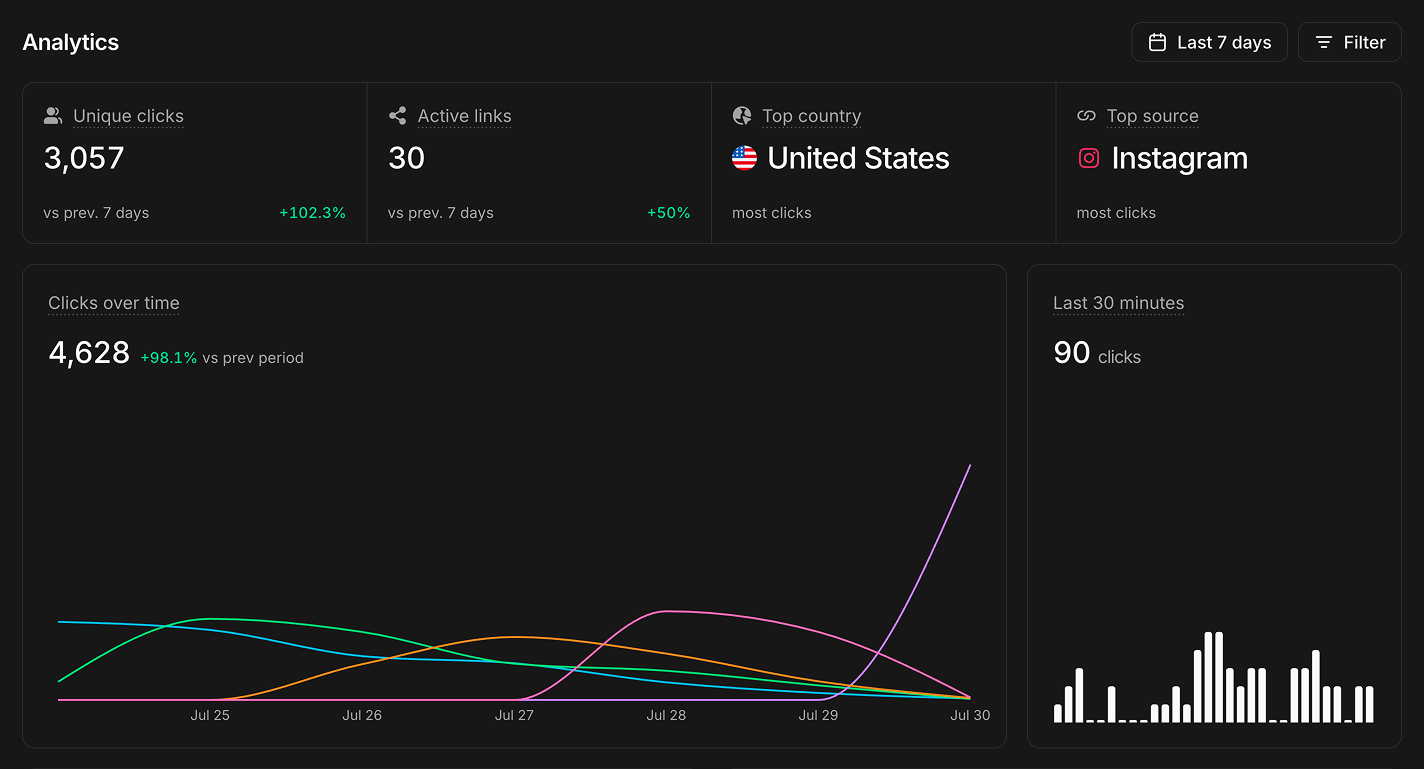
Built for teams managing many brands.
Everything an agency needs to create, brand, and report on links — at any number of clients.
A workspace per client
Spin up a separate workspace for every client. Their links, folders, domains, analytics, and billing stay completely isolated — switch between them in a single click.
Create a workspace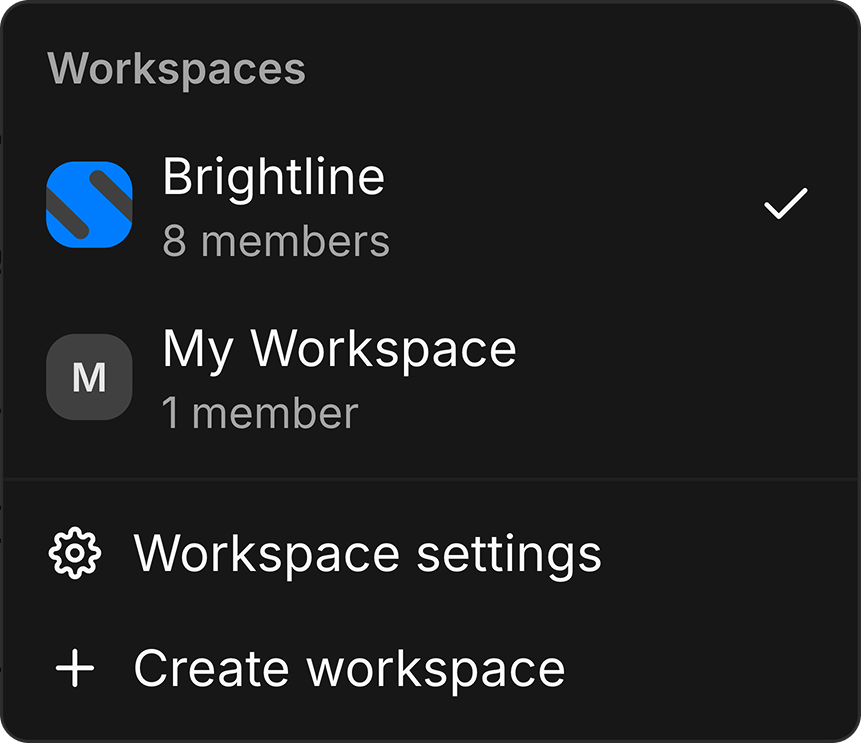
Your whole team, one account
Invite teammates as admins or members with exactly the access they need. No shared passwords, no per-seat surprises — memberships are unlimited.
Invite your team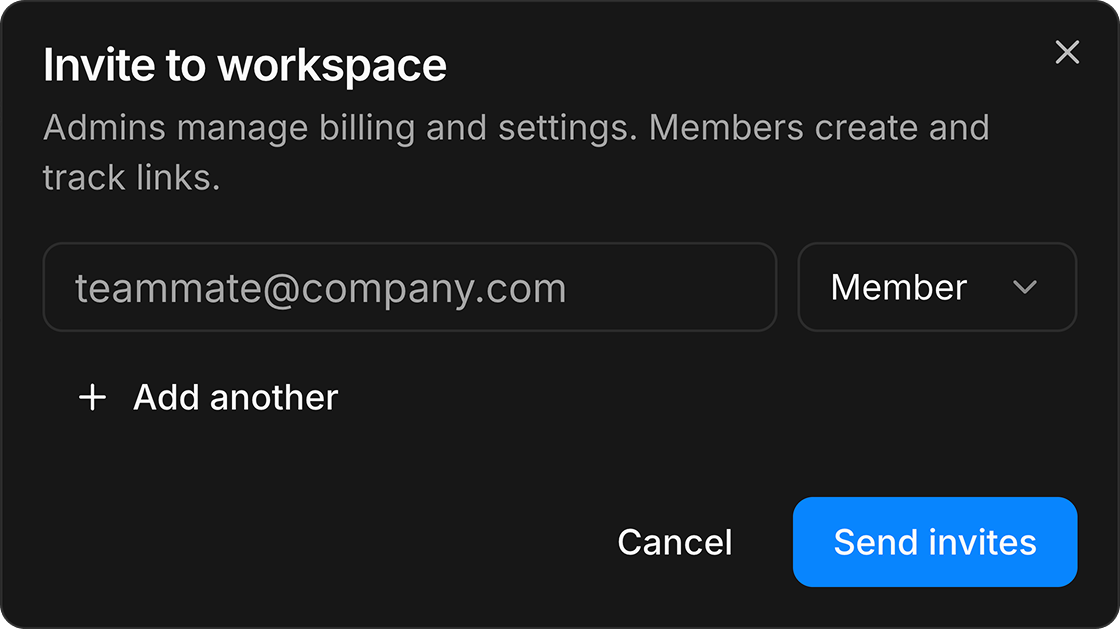
Every client on their own brand
Connect a custom domain per client so short links carry their brand, not ours. QR codes and link previews follow the same brand automatically.
Connect a domain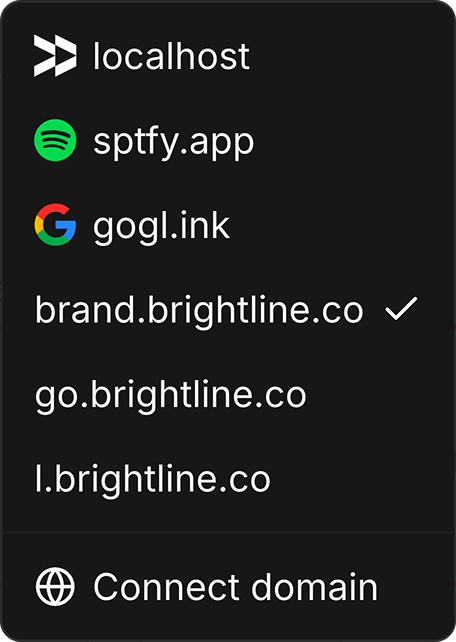
Reports clients actually read
Per-client dashboards with real human clicks — bots and link previews filtered out — plus country, device, and referrer breakdowns you can export anytime.
Export a reportCut the busywork
Shorten hundreds of URLs at once, save UTM templates so campaign tagging stays consistent across the team, and import or export links as CSV.
Bulk shorten links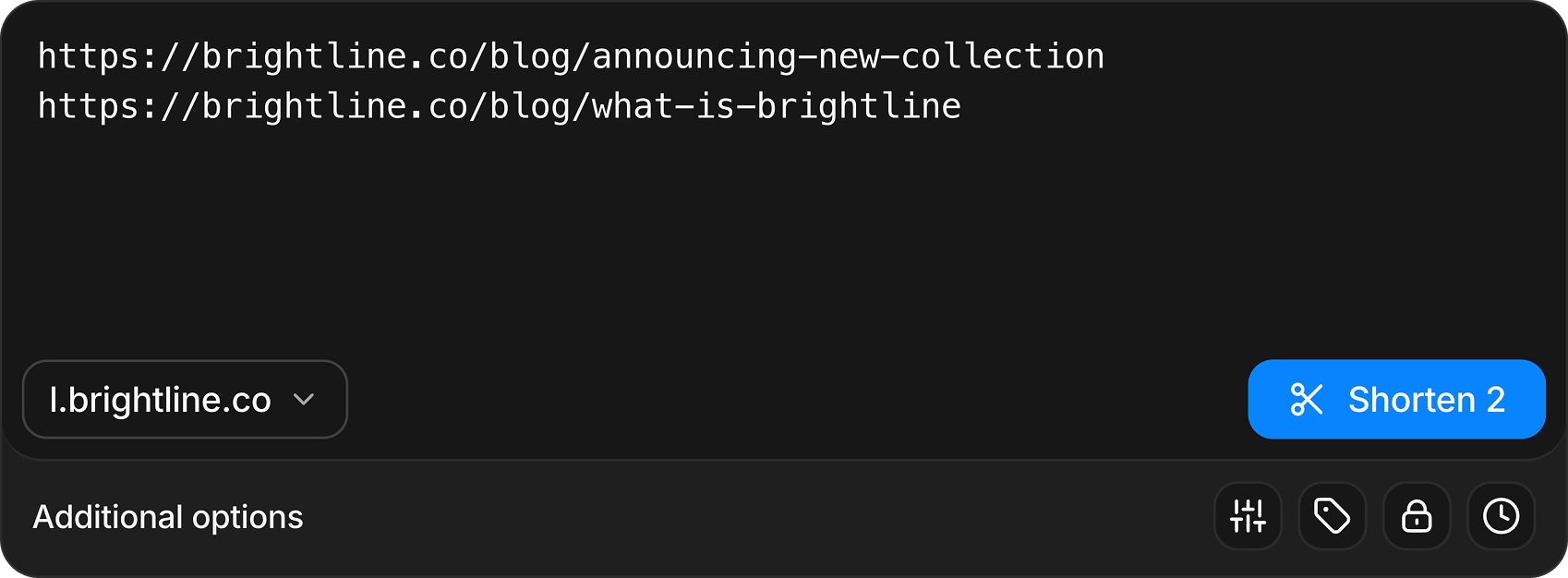
Plug into your stack
A full REST API, official SDKs, webhooks, and an MCP server let link creation and reporting slot straight into the tools your agency already runs on.
Explore docsimport { InBio } from "@inbio/sdk";
const inbio = new InBio(process.env.INBIO_TOKEN);
const link = await inbio.links.create({
destination_url: "https://acme-client.com/spring-sale",
domain: "go.acme-client.com",
slug: "spring-sale",
tags: ["acme", "email"],
});Frequently asked questions
Answers about workspaces, teams, custom domains, analytics, billing, and the API.
Supercharge your link management.
See why teams use in.bio to create, manage, track, and scale links across campaigns, products, and workspaces.