You've seen it a thousand times: "link in bio!" under a TikTok, an Instagram post, a YouTube Short. It's one of those phrases everyone uses and nobody explains. And whether you're building an audience or just want one tidy place for everything that's yours online, it quietly matters more than most things you'll set up this year.
Here's the problem it solves: social platforms give you exactly one clickable link. One. Instagram, TikTok, Threads — they all want people scrolling their feed, not leaving it, so your profile gets a single door to the outside world. Meanwhile you have things to show — maybe products and a booking calendar, maybe just your other socials, your playlist, and the photo dump you actually curated.
The link in bio is how you squeeze everything through that one door — creator or not — and setting one up properly takes about ten minutes.
In this guide you'll learn: what a link in bio actually is, how the pages behind it work, how to set one up step by step, what to put on it depending on what you do, and the mistakes that make visitors bounce.
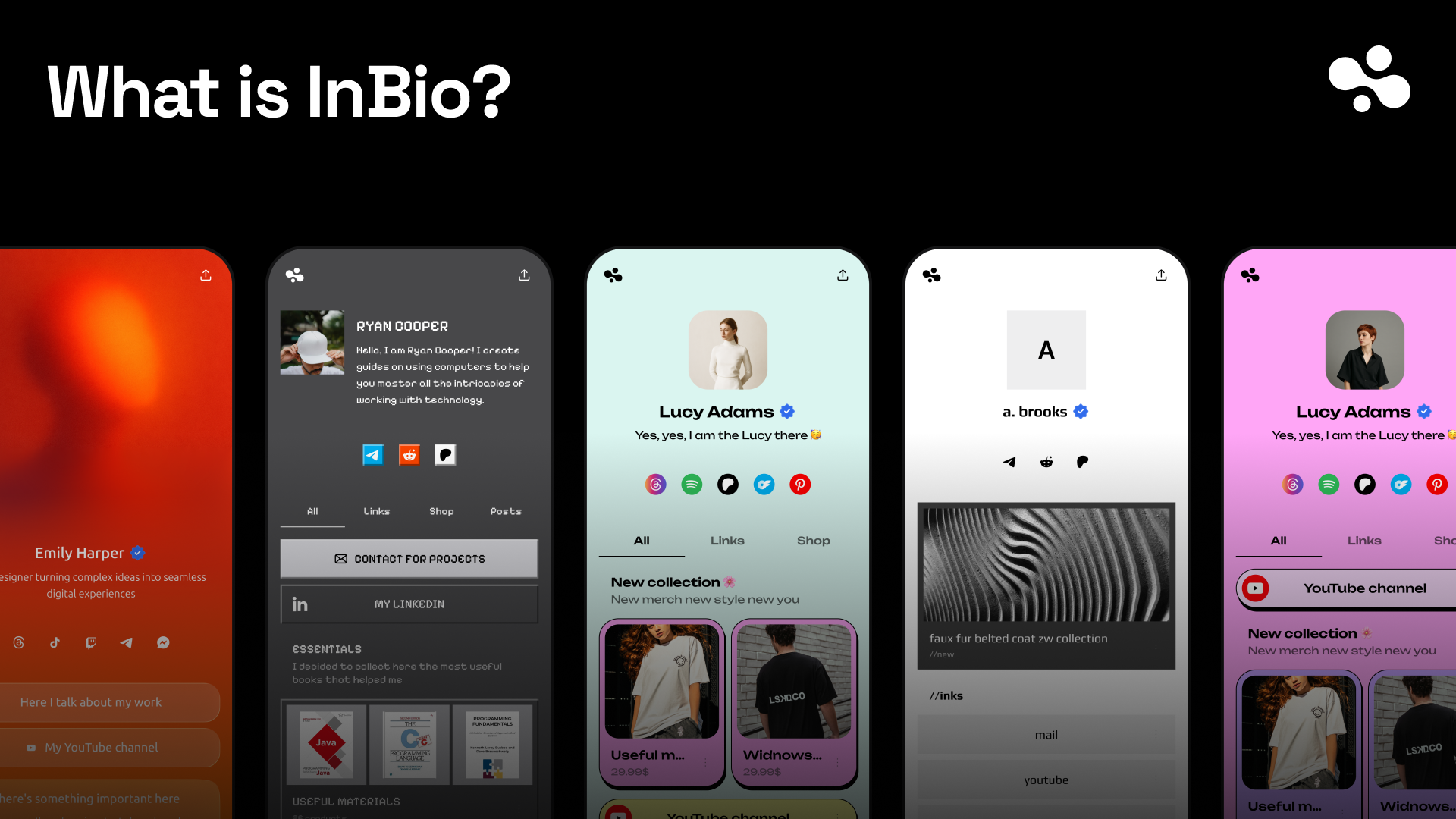
The short version: in.bio gives you a link-in-bio page with an AI concierge built in — it answers your visitors' questions in your words and walks them to the right product.
- Everything through one door — products, bookings, sign-ups, and links on one fast page
- An AI assistant trained on your store — it answers "which one is right for me?" while you sleep
- Set up in minutes — pick a look from the templates and go
At a Glance
| Question | Quick answer |
|---|---|
| What is it? | One page holding all your links, behind the single URL your bio allows |
| Who needs one? | Creators, and anyone who wants one tidy page for all their stuff |
| Cost | Free to ~$30/month depending on the tool and whether you sell |
| Setup time | ~10 minutes |
| Does it work without followers? | Yes — it's your page, not the platform's |
| Biggest mistake | Treating it as a pile of links instead of a storefront |
What Is a Link in Bio? (And Why It Exists)
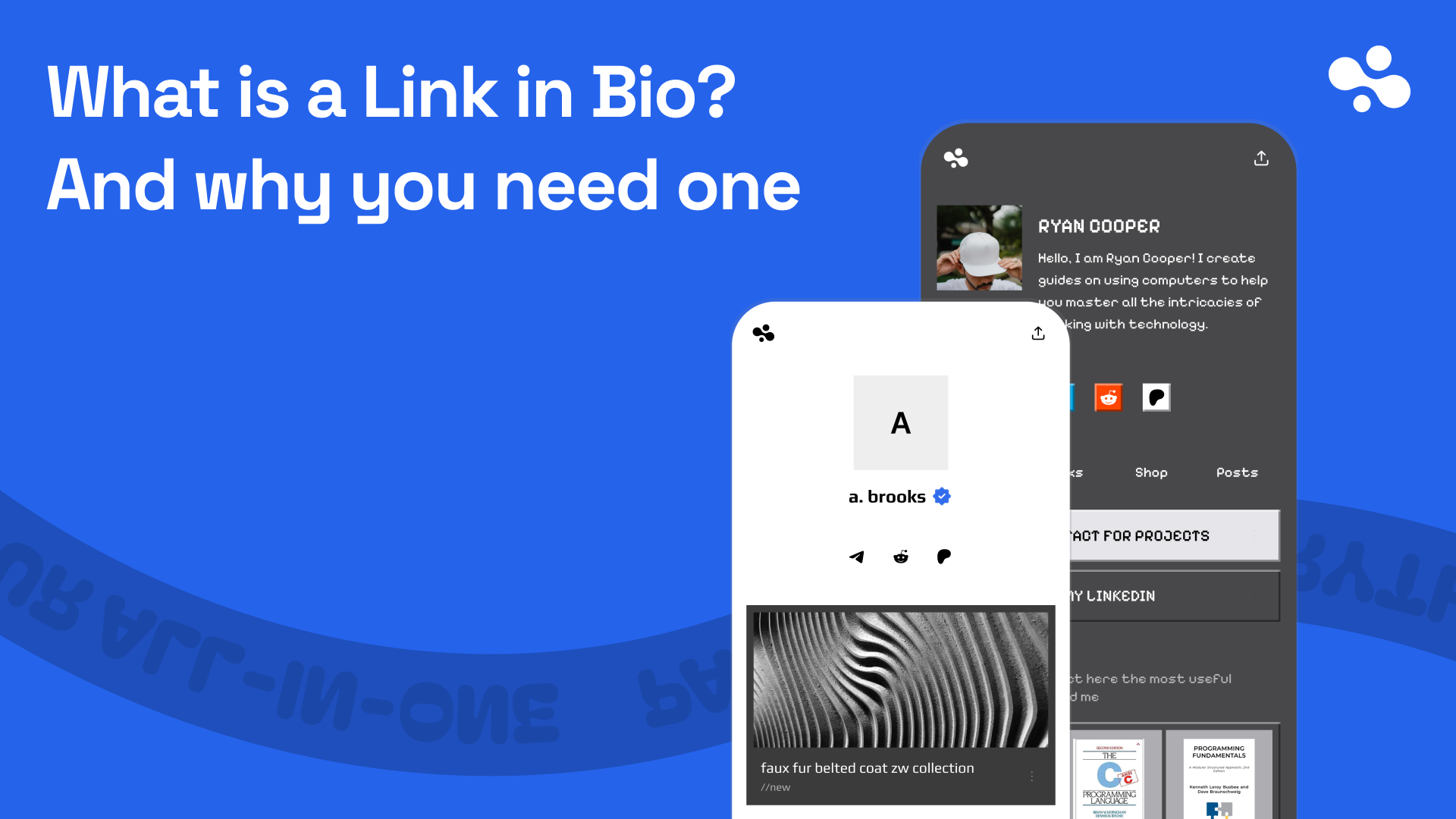
A link in bio is the one clickable URL social platforms let you put on your profile — and, by extension, the page it points to. When creators say "check my link in bio," they mean: go to my profile, tap the link, and you'll find the thing I just mentioned.
It exists because platforms are stingy with exits. Instagram won't let you link from a regular post at all. TikTok makes you earn your clickable link. So the profile link became prime real estate — and pointing it at just one thing (only your shop, or only your YouTube) means everyone who wanted something else hits a dead end.
How a Link in Bio Page Works
Think of it as your shop's front door. The bio link is the door; the page behind it is the hallway with everything you offer, clearly signposted. A visitor who came for your preset pack finds it; the one who wants to book a call finds the calendar; the one who just discovered you finds your other socials.
Technically it's a small, fast web page at an address like `in.bio/yourname` — built to load instantly inside the Instagram and TikTok in-app browsers, where your actual visitors live and where slow pages quietly die.
Step-by-Step: How to Set One Up
- Pick a tool and claim your address — with in.bio that's `in.bio/yourname`.
- Add your face and a one-line bio, so people know they landed in the right place.
- Add your things: products, booking times, sign-up form, key links — most important first.
- Pick a look from the templates and match it to your feed.
- Paste the address into every social profile you have — same link everywhere.
- Open it from your own phone inside Instagram or TikTok, and tap through like a stranger would.
What to Put on It (Whoever You Are)
- You sell digital products: the products, with prices visible. Your bio link is your storefront — treat it like one.
- You coach or freelance: your booking calendar at the top. "DM me" loses everyone who won't DM.
- You're building an email list: one sign-up block with an honest reason to join.
- You're growing across platforms: your other socials and your best work, in the order a stranger should meet them.
- It's personal, not business: your socials, your Spotify, your photos, maybe a wishlist — one clean page that says "this is me" better than any single profile does. No selling required.
- You do all of it: lead with what pays. Everything else below.
Common Mistakes to Avoid
- Fifteen links, no order. Visitors faced with everything tap nothing. Lead with one thing.
- Pointing the bio link at one product page. You lose everyone who wanted anything else.
- A slow page. Inside a social app's browser, three seconds means gone.
- Never updating it. Your bio link should match what your content pushes this month.
- No prices. Hiding prices behind DMs filters out buyers, not tire-kickers.
- A page that answers no questions. "Does the preset pack work on mobile?" — if the answer's not there, that sale walks. This is exactly what in.bio's AI concierge handles: it knows your store and answers in your words.
Do You Actually Need One?
Honestly? If you never send anyone anywhere — nothing to show, nothing to share, no second platform — you can skip it. Everyone else is choosing between a link in bio page or a dead end. And "everyone else" includes plenty of people who sell nothing at all: the page is just the one link that holds your whole online self.
And once you sell anything, the question flips from "do I need one" to "how much is my current one leaving on the table." A page that just lists links depends on visitors already knowing what they want. A page that can answer questions and recommend — like in.bio with its AI concierge — works on the majority who don't.
The Short Version
One link is all the platforms give you — a link in bio page is how you make that one link do the work of ten. Set it up once, keep it current, and lead with what matters most to you — whether that's what pays, or just who you are.
And if your page could sell instead of just pointing — answer questions, recommend the right product, take the booking — that's the whole idea behind in.bio.