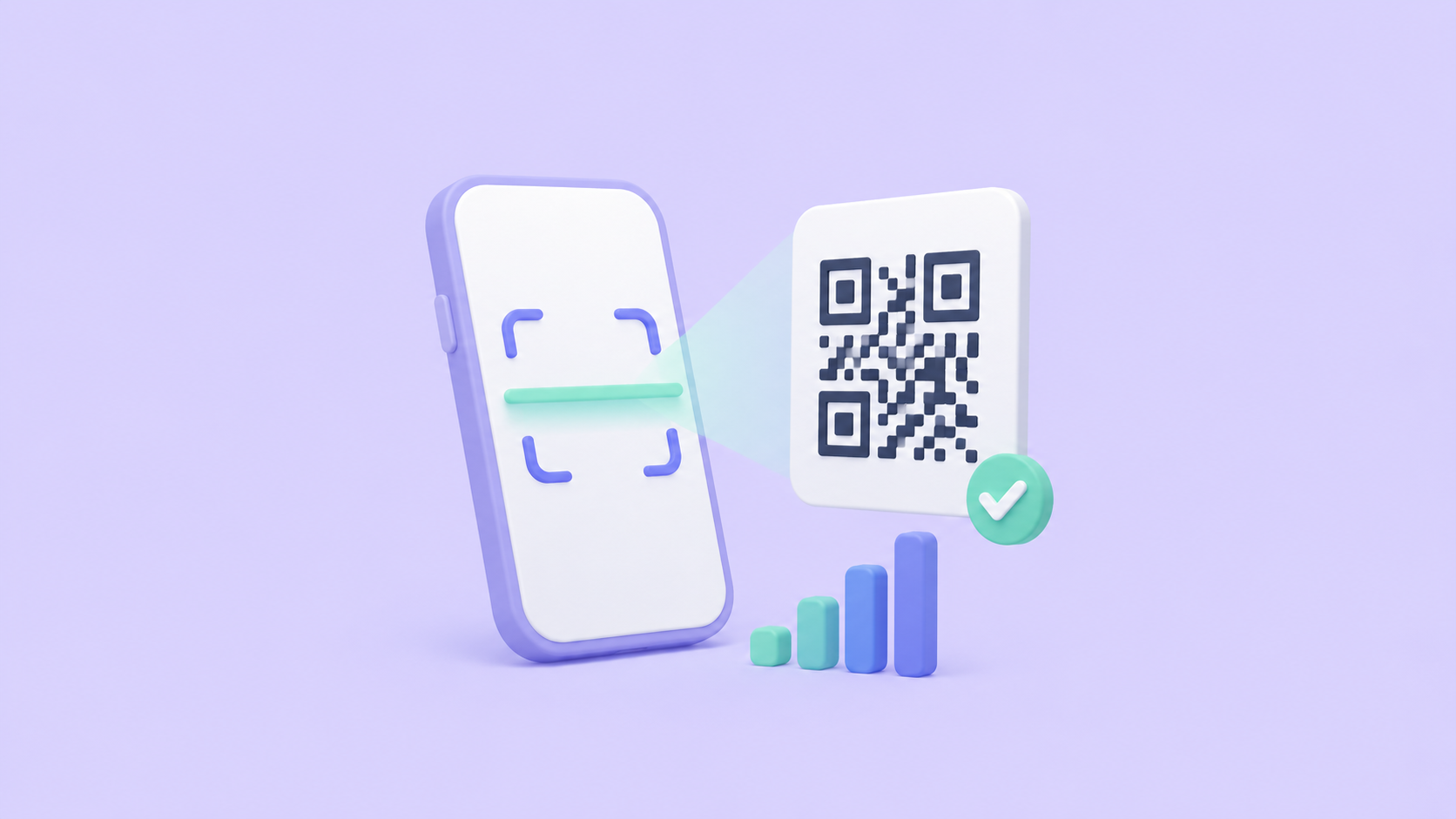
To track QR code scans, generate the QR code for a short link instead of your final URL. The short link counts every scan and redirects instantly, so you get analytics — scans over time, locations, devices — without the person scanning noticing anything. That's the whole trick, and it's free.
A QR code on its own is just a URL printed as pixels. It has no memory and no analytics. If your code points straight at example.com/menu, every scan goes directly there and no one counts it. Putting a short link in the middle is what turns a dumb image into something you can measure — and, as a bonus, edit later.
How QR scan tracking works
The mechanism is three steps:
- Shorten your destination.
example.com/menubecomes something likein.bio/cafe-menu. - Generate the QR code for the short link, not the destination.
- Every scan hits the short link first, gets counted, and redirects to the real page in milliseconds.
The person scanning notices nothing — it opens the page they expected. You get scans over time, countries and cities, and device breakdowns. If you're new to the first step, our step-by-step guide to shortening a URL covers it.
Why you should encode the short link, not the destination
Encoding the short link instead of the final URL gives you two things a plain QR code can never have:
- Analytics. The redirect hop is where the scan gets recorded. No hop, no data.
- An editable destination. Because the printed code points at the short link, you can change where that link goes after the code is printed. Menu moved to a new page? Campaign over? Repoint the link and every poster, sticker, and business card already out in the world follows along — no reprinting.
There's a smaller, practical reason too: short URLs make simpler QR codes. A 140-character link produces a dense, fragile pattern; in.bio/cafe-menu produces a sparse one that scans faster and survives being printed small.
"Dynamic QR codes" are just this — with a price tag
Many QR platforms sell "dynamic QR codes" as a premium upsell. A dynamic code is exactly the mechanism above: a QR pointing at a redirect you can edit. There's nothing proprietary about it. With a good link shortener, every code you make is dynamic by default, because it encodes a short link you control. Don't pay a premium for the word "dynamic" — it's just a short link in a QR.
Set it up in two minutes
- Open the QR code generator (or shorten a link first and grab its QR from the dashboard).
- Paste your URL — the code renders instantly.
- Style it if you want: switch dots to circles or connected lines, reshape the corner markers, set your brand colors, or make the background transparent. Every design stays machine-verified as scannable.
- Download a PNG for screens or an SVG for print — SVG stays crisp at any size, which matters when your code ends up on a banner instead of a business card.
Making a batch for a print run? The bulk URL shortener shortens up to 50 links at once, each with its own QR.
Reading your scan data
Once scans start coming in, three dimensions tell you the most:
- Scans over time — did the spike land when your campaign went live?
- Devices — print audiences skew heavily mobile, so a sudden desktop cluster usually means your link leaked online rather than off a poster.
- Location — invaluable for multi-city or multi-market print runs.
One caveat worth knowing: preview crawlers and scanners will "scan" your link automatically when the short URL gets shared in a chat or email, inflating counts. Good analytics filter those bots out — we cover why in bot traffic and click analytics.
The takeaway
You can't track a plain QR code, but you can track the short link inside one — and that single change gives you scan analytics and an editable destination for free. Encode the short link, download the code, and you'll know how your printed campaigns actually perform.
Ready to make one? Generate a trackable QR code — free, no account needed, styled to match your brand.