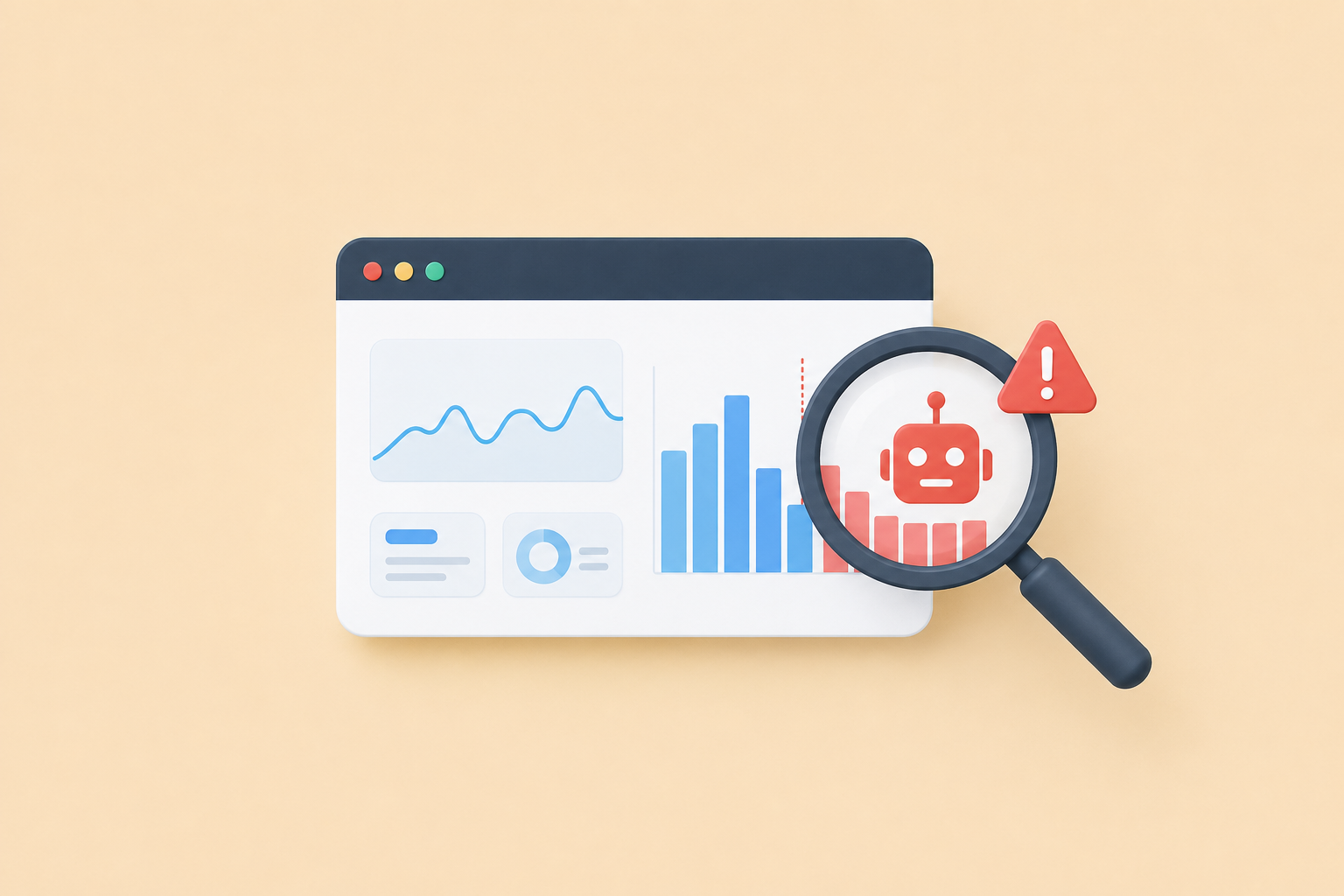
Share a link in Slack and its click count jumps by three before a single human sees it. Post it on X and it climbs again. None of those were people — they were bots: link-preview crawlers, security scanners, and scrapers that fetch your URL automatically. If your analytics count them, your numbers are inflated, and every decision you make from those numbers is a little bit wrong.
This is the single biggest reason two analytics tools can show wildly different click counts for the same link. Here's what's actually happening, and what to look for so you trust your data.
What counts as a bot
When you post a link almost anywhere, machines visit it before humans do:
- Link-preview crawlers. Slack, iMessage, WhatsApp, X, Discord, Facebook, and LinkedIn all fetch your link to build that little preview card with a title and image. Each one is a "click" that isn't a person — and popular platforms send several.
- Security scanners. Corporate email gateways and antivirus tools open links to check them for malware before delivering the message. One email to a big company can trigger dozens of scanner hits.
- Search and SEO crawlers. Googlebot and its cousins follow links constantly.
- Scrapers and monitors. Uptime checkers, archivers, and bots of unknown origin.
The tell is timing and pattern: a burst of clicks in the first few seconds after you post, often from datacenter locations, with no human behavior after. If you've ever wondered why a link got "12 clicks" the instant you shared it, that was bots — and counting them is how analytics quietly lie.
Why inflated numbers cost you
It feels good to see a big number, but bot-padded stats make you worse at your job:
- You misjudge which channel works. If one platform's preview bot hits your link five times and another's hits once, the first looks like a better channel when it isn't.
- You misread timing. A spike that's really the preview crawler looks like an audience that isn't there.
- You can't compare campaigns when the bot "tax" is different for each one.
Honest analytics means smaller numbers — and better decisions. A tool that proudly shows you more clicks than a competitor may simply be counting more bots.
What honest click analytics looks like
Good analytics separate humans from machines instead of blending them. Concretely, that means:
- Bots are detected and excluded from your main numbers — but still visible under a separate toggle, so nothing is hidden from you.
- Unique vs. total clicks are distinguished, so one enthusiastic person clicking five times counts as one visitor for reach.
- Dimensions you can act on: country and city, device and browser, and referrer — the source that actually sent each click.
- Privacy by default: aggregate data, with visitor IP addresses truncated and hashed rather than stored raw. You should see "someone in Berlin, on mobile, via LinkedIn," never a person's identity.
This is exactly how INBIO's analytics work: bots are filtered out of your stats by default, humans and bots are shown separately, and every click is broken down by country, device, and referrer. It's also why our numbers sometimes look smaller than other shorteners' — we're not counting the crawlers.
How to sanity-check your own data
You don't need special tools to catch obvious bot inflation:
- Watch the first minute. Clicks that arrive within seconds of posting, before you'd expect any human, are almost always preview bots.
- Look for datacenter locations. A cluster of clicks from a cloud region (rather than where your audience lives) is a bot signature.
- Compare total vs. unique. If total clicks are far above unique visitors with no repeat-visit reason, something automated is padding the count.
- Check the referrer. A burst of "direct" clicks with no referrer often means scanners.
If your shortener can't show you these breakdowns at all, that's its own answer — you can't trust a number you can't inspect. We tested which shorteners even let you see this data in our URL shortener comparison.
The takeaway
Bots are a normal, unavoidable part of sharing links — the goal isn't to eliminate them, it's to not count them as people. Pick analytics that filter bots by default, show humans and machines separately, and break clicks down by country, device, and referrer. Smaller, honest numbers beat big, flattering ones every time.
Want click data you can trust? Shorten a link with INBIO — free, with bot-filtered analytics on every link. New to short links? Start with our step-by-step guide to shortening a URL.