UTM parameters are small tags you add to a URL that tell your analytics where a visitor came from — for example ?utm_source=newsletter&utm_medium=email&utm_campaign=july-launch. When someone clicks, your analytics reads those tags and files the visit under the right source, channel, and campaign. That's the whole idea: without them, most of your traffic just shows up as an anonymous lump you can't act on.
They're simple to write and easy to get wrong, and one sloppy tag can splinter a campaign across a dozen rows in your reports. This guide covers what each parameter means, the conventions that keep your data clean, and how to build tagged URLs without hand-editing.
The five UTM parameters
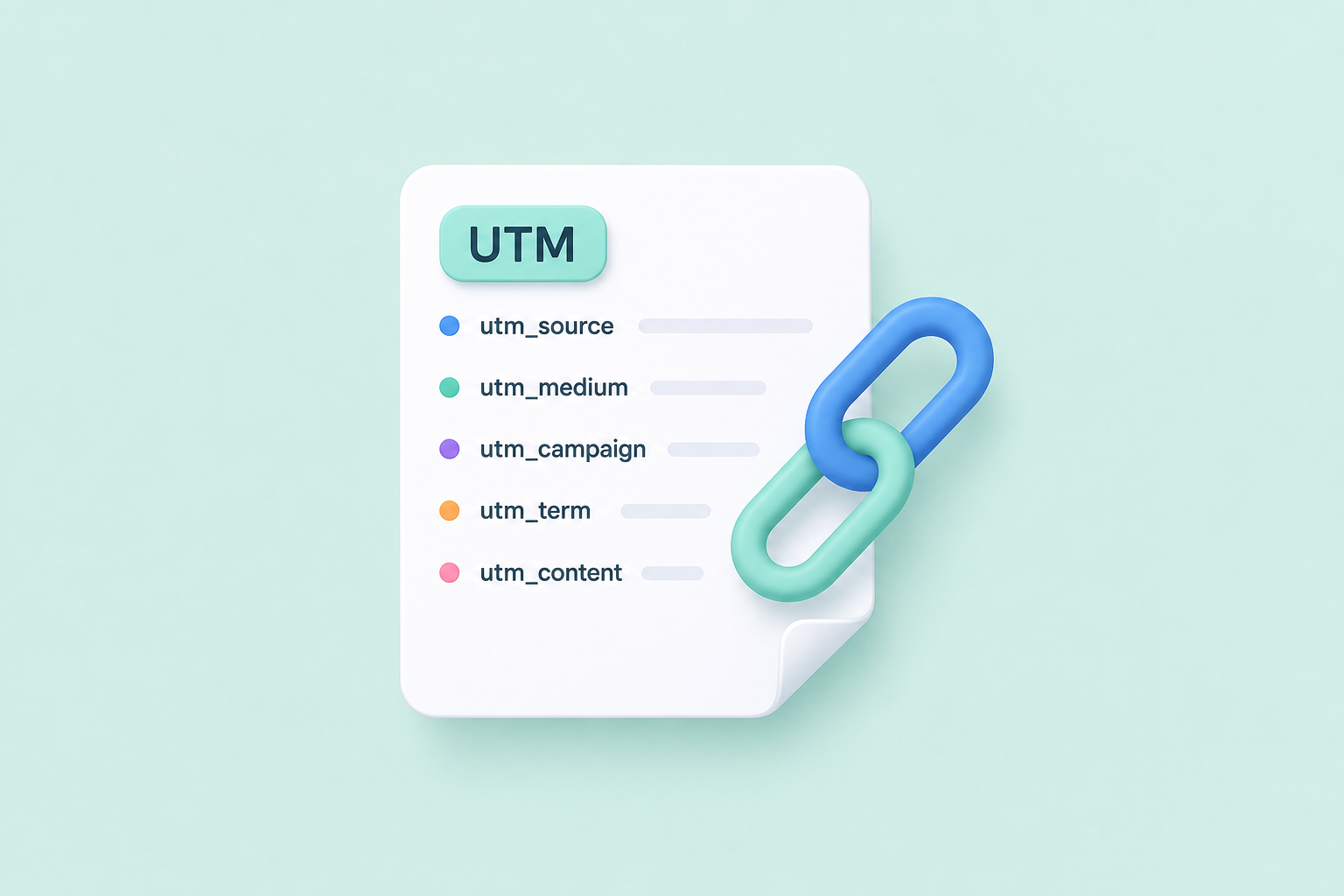
There are five, but you'll use three constantly and two occasionally:
utm_source— where the traffic comes from: a specific place likenewsletter,instagram,google, orpartner-blog. This is the tag analytics tools lean on most.utm_medium— the type of channel, not the place:email,social,cpc(paid search),referral,qr.utm_campaign— the marketing push this link belongs to:july-launch,black-friday-2026.utm_term— optional, mostly for paid search: the keyword you bid on.utm_content— optional: distinguishes links that share a campaign, likecta-topvscta-footer, or ad variant A vs B. Perfect for A/B tests.
The distinction people trip on most is source vs. medium. A rule that always works: if you can visit it, it's a source; if it describes the kind of channel, it's a medium. facebook is a source; social is a medium.
Naming conventions that keep reports clean
UTMs are case-sensitive and literal — your analytics treats Email, email, and e-mail as three different channels. A few conventions prevent the mess:
- Lowercase everything. Always.
Newsletterandnewsletterwill split into two rows forever. - Pick one separator and stick to it. Hyphens are the safe choice (
spring-sale). Never use spaces — they turn into%20and look broken. - Sources are places, mediums are types. Decide this once and apply it every time.
- Date long-running campaigns.
spring-sale-2026keeps this year from merging into last year's numbers. - Keep a shared list of allowed values. If your whole team uses the same ten source and medium words, your reports mean something. If everyone invents their own, the data is fiction.
That last one is the difference between UTMs that inform decisions and UTMs that just create noise. A one-page shared doc of approved values is the highest-leverage thing a team can do here.
Common mistakes that quietly ruin reports
- Inconsistent casing or separators — the number-one cause of duplicated rows.
- Tagging internal links. Never put UTMs on links between pages of your own site; it overwrites the original source and erases where the visitor actually came from.
- Mediums used as sources (
utm_medium=facebook) — scatters your channel report. - Forgetting a parameter, so campaigns land in "(not set)" and can't be compared.
Build tagged URLs without hand-editing
Typing ?utm_source=...&utm_medium=...&utm_campaign=... by hand is exactly how casing slips and separators drift. Use a builder instead: our free UTM builder gives you guided fields, a live color-coded preview of the final URL, and one-click shortening — no account needed.
That last step matters. A fully tagged URL is long, ugly, and easy to mangle when pasted into a bio or a print ad. Shorten it. in.bio/july-promo carries all five parameters invisibly, and you get a per-link click count on top of whatever your analytics tool reports. If you're new to shortening, start with the how-to-shorten guide.
A note for anyone running ads
Ad platforms like Meta and Google append their own parameters to your URL — dynamic UTM values plus click IDs like fbclid and gclid. If you shorten an ad link, your shortener needs to forward those parameters to the destination, or your conversion tracking breaks. Not all of them do: in our URL shortener comparison, several stripped UTM tags on the redirect. INBIO passes every parameter through and records it per click, so one short link in a campaign still yields per-ad detail.
The takeaway
UTMs are five simple tags, but their value lives entirely in consistency: lowercase, one separator, sources as places and mediums as types, dated campaigns, and a shared list of allowed values. Build them with a tool rather than by hand, shorten the result, and your reports will finally tell you which channel actually works.
Build a clean campaign URL — free, with a live preview and one-click shortening.